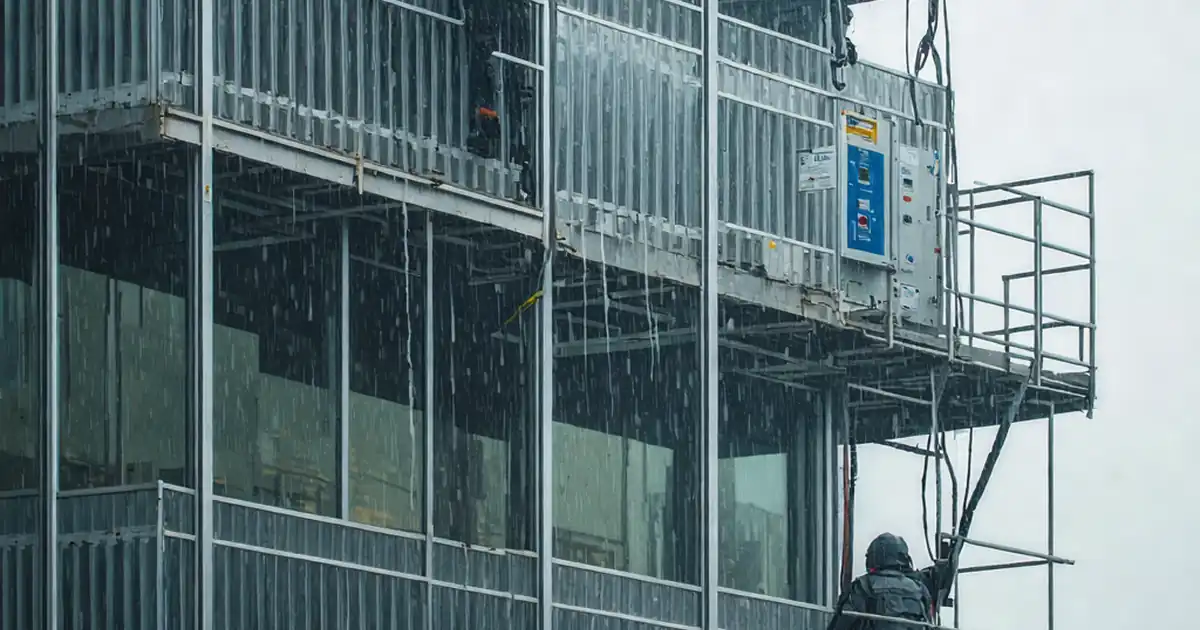
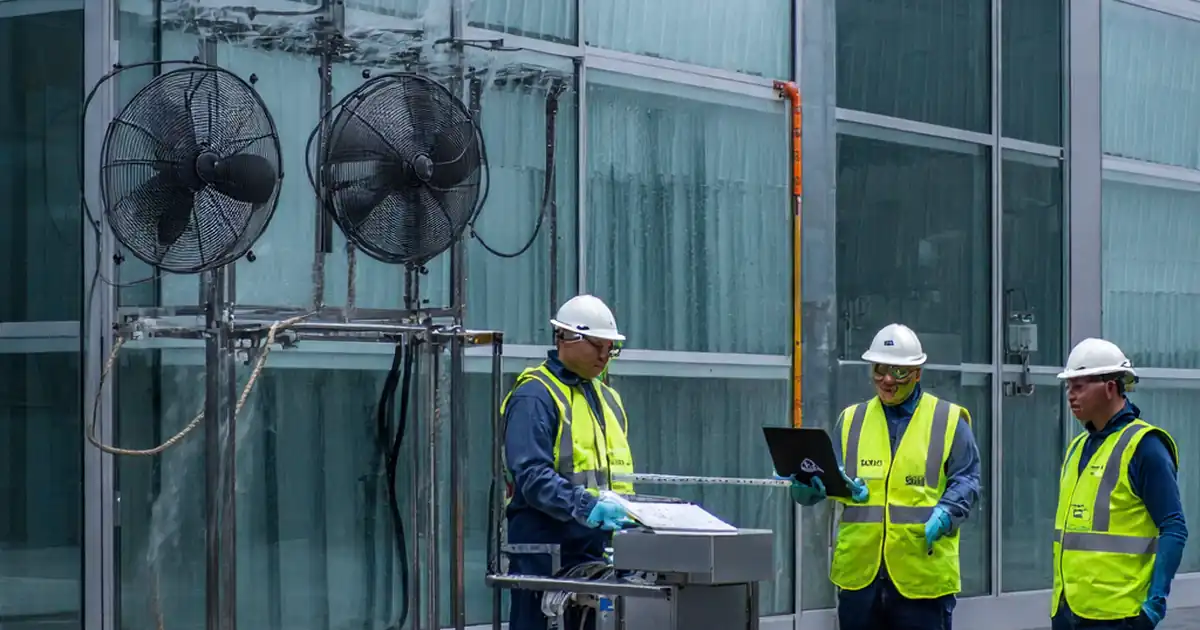
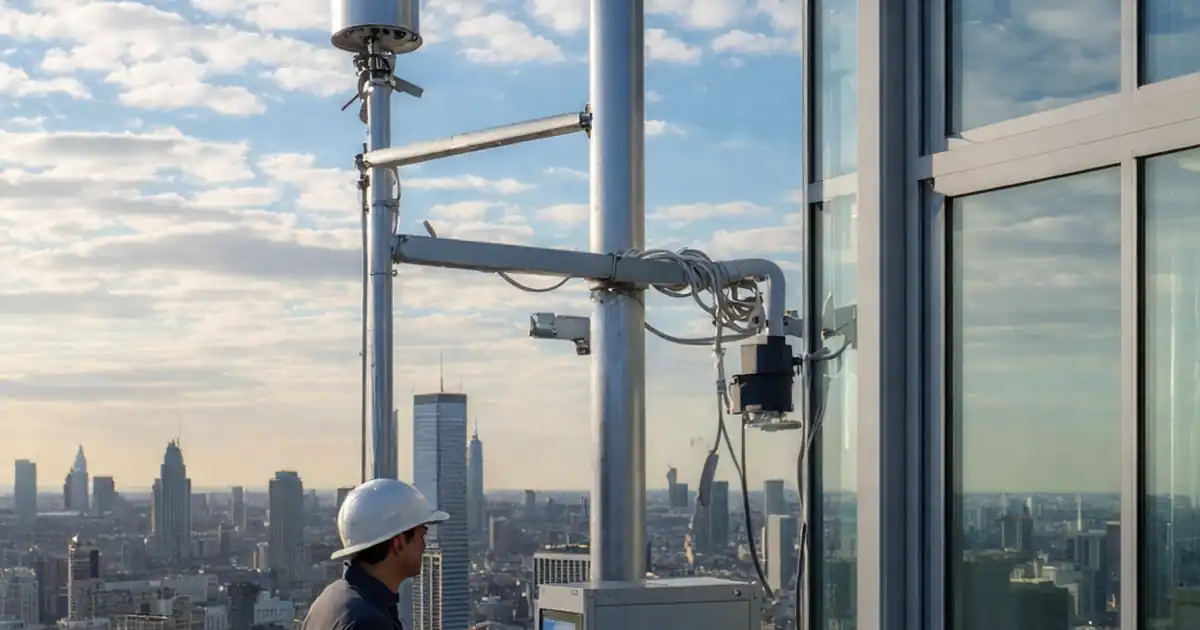
Review dynamic façade control intent and environmental response logic
Definition: Review dynamic façade control intent and environmental response logic for commissioning teams validating automated shading, louvers, and sensor-driven behavior against design intent, safety interlocks, and BMS integration across seasons and occupancy states.
- Clarifies control sequence, zoning, and environmental trigger hierarchy.
- Verifies sensor calibration, setpoints, and actuator response tolerances.
- Confirms overrides, fail-safes, and integration with BMS and FAS.
- Interactive, commentable, export, QR code evidence for accountability.
Review dynamic façade control intent and environmental response logic to ensure automated shading and louver systems behave exactly as the design narrative specifies. This checklist focuses on control sequence verification, daylight and solar gain response, sensor calibration, and integration with building management systems. By aligning the sequence of operations to real environmental inputs—illuminance, irradiance, wind speed, temperature—and occupant states, teams prevent glare, hunting, and energy waste. We keep the scope tightly on dynamic façade automation, covering louvers, blinds, and their control logic; envelope performance modeling, structural glazing, or static shading details are out of scope. The outcome is predictable comfort, reduced cooling loads, and resilient safety responses to wind and fire events. The checklist emphasizes acceptance criteria, response times, and documented evidence so owners can trust seasonal performance and operators can tune confidently without breaking safeguards. Start the interactive checklist to tick items, add comments, and export PDF/Excel with a secure QR.
- Establishes a traceable link between the approved control narrative, point lists, and real device behavior, preventing scope creep and missed interlocks. Defined tolerances for sensors, timings, and angles keep logic stable and reduce nuisance overrides.
- Focuses on environmental sensing quality—lux, irradiance, wind, and temperature—so shading responds to real conditions without hunting. Calibrations, deadbands, and trend reviews help maintain comfort, protect façades, and limit HVAC loads across seasons.
- Drives reliable safety and integration: high-wind stow, fire alarm responses, power-loss recovery, and BACnet mapping. Clear alarms, trend retention, and operator training build confidence and speed up root-cause analysis during live operations.
- Interactive online checklist with tick, comment, and export features secured by QR code.
Control Intent Documentation
Sensor Inputs and Calibration
Response Logic and Setpoints
Overrides, Fail-safes, and Modes
Integration, Alarms, and Trending
Commissioning Evidence and Handover
Translate Control Intent into Verifiable Sequences
A robust review starts by converting the design narrative and sequence of operations into concrete, testable behaviors. Map every façade zone to its sensors, actuators, and overrides, then tie each behavior to a measurable input and a timestamped output. Use a consistent naming convention so engineering units and write priorities are unambiguous. This prevents logic gaps where multiple triggers compete—glare, solar gain, cleaning mode—causing oscillation. Practical acceptance hinges on documentation parity: drawings, I/O schedules, and live points must match. On site, request controller screenshots and exported point lists, not just verbal confirmation. A real example: a south curtain-wall zone failing to respond due to a mislabeled irradiance point; the fix emerged only after reconciling the point list with the GUI. Embed deadbands and minimum dwell times to stop hunting during partly cloudy conditions, and document them in a setpoint register operators can maintain without breaking safeguards.
- Tie each behavior to input, output, and time stamp.
- Use unique names with correct SI units and priorities.
- Resolve trigger conflicts with hierarchy and deadbands.
- Demand screenshots and exports, not verbal confirmation.
- Maintain a signed, update-controlled setpoint register.
Calibrate Environmental Sensing and Validate Responses
Dynamic façade performance lives or dies on sensing quality. Calibrate exterior illuminance against a reference meter and verify solar sensor orientation with an inclinometer and compass. Interior daylight sensors must avoid luminaires and reflections to prevent false highs. With reliable inputs, test core responses: glare suppression by vertical illuminance, sun-tracking louver angles, and heat-reduction setpoints, each with explicit timing and deadbands. Trend at 1-minute resolution to prove stability over varying cloud cover and low sun. Exercise occupied/unoccupied and cleaning modes to ensure the hierarchy yields predictable outcomes. Typical pitfalls include open-loop angle tables that ignore seasonal altitude shifts, or glare thresholds set so low that blinds never open. Close the loop with astronomical checks and field angle gauges, then log before/after curves so tuning decisions remain auditable across seasons.
- Calibrate with reference meters and document readings.
- Verify sensor orientation and mounting clearances.
- Validate timings, angles, and deadbands with trends.
- Test mode hierarchy under real and simulated inputs.
- Capture before/after curves to justify tuning changes.
Prove Safety, Integration, and Operability
Safety and integration complete the review. High-wind events must stow shades quickly while logging a clear alarm; fire alarms must drive a safe state and lock out manual commands until reset. Power interruptions should recover to a deterministic, documented condition. On the integration front, confirm BACnet point exposure, engineering units, and priority arrays—misplaced write priorities cause silent failures. Trend retention for at least a week lets you visualize dawn/dusk transitions and intermittent sensor faults. Operators need training and a concise troubleshooting playbook so setpoint edits don’t defeat safeguards. Establish KPIs such as glare complaints per month and override hours per zone to track ongoing performance. With these guardrails, seasonal adjustments become controlled improvements, not risky experiments, and incident investigations are faster and more conclusive.
- Verify wind, fire, and power-loss behaviors with evidence.
- Check BACnet exposure, units, and write priorities.
- Retain 7+ days of 1-minute trends for analysis.
- Train operators and issue a tuning playbook.
- Define KPIs to guide seasonal optimization.
How to Use This Interactive Dynamic Façade Review Checklist
- Preparation: Gather approved control narrative, I/O schedules, point lists, and as-built drawings. Bring calibrated lux meter, inclinometer, compass, angle gauge, and a device for BMS/FAS access. Coordinate safe access for façade zones, confirm weather conditions, and ensure stakeholders are available for witnessing and sign-off.
- Using the Interactive Checklist: Start interactive mode, select your project and zone, and tick items as you verify them. Attach photos, screenshots, and trend exports. Add time-stamped comments for deviations and owner decisions. When complete, export to PDF/Excel; a QR code secures links to source evidence.
- Sign-Off: Capture digital signatures from commissioning, controls, and owner representatives. Distribute the exported report to the CDE and archive the QR-authenticated package. Record open items with owners, due dates, and planned seasonal re-tests for continuous improvement.
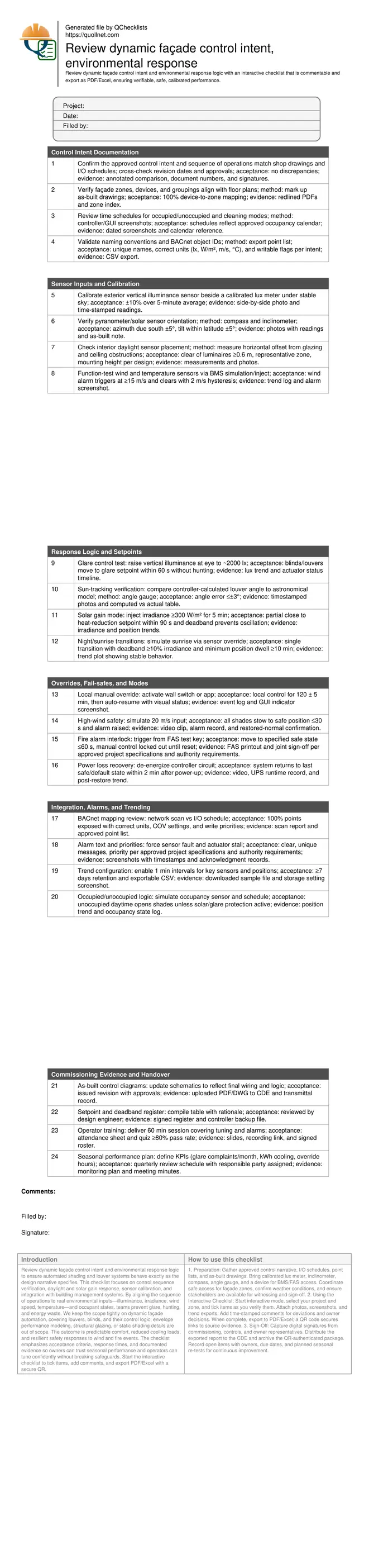
Call to Action
- Start Checklist Tick off tasks, leave comments on items or the whole form, and export your completed report to PDF or Excel—with a built-in QR code for authenticity.
- Download Excel - Dynamic Façade Control Intent Review
- Download PDF - Dynamic Façade Control Intent Review
- View Image - Dynamic Façade Control Intent Review
Cite & Embed
“Dynamic Façade Control Intent Review by Quollnet”
with a link to
this source page.
FAQ
Question: What is the difference between control intent and environmental response logic?
Question: How can I simulate sunlight and glare conditions during commissioning?
Question: What tolerances are acceptable for sensors and louver positioning?
Question: How do we prevent hunting during partly cloudy conditions?
Question: What ongoing monitoring is needed after handover?
Related Articles
Broader reading and guidance connected to this checklist topic.



Related Checklists
Keep the workflow moving with nearby templates chosen from similar checklist content.