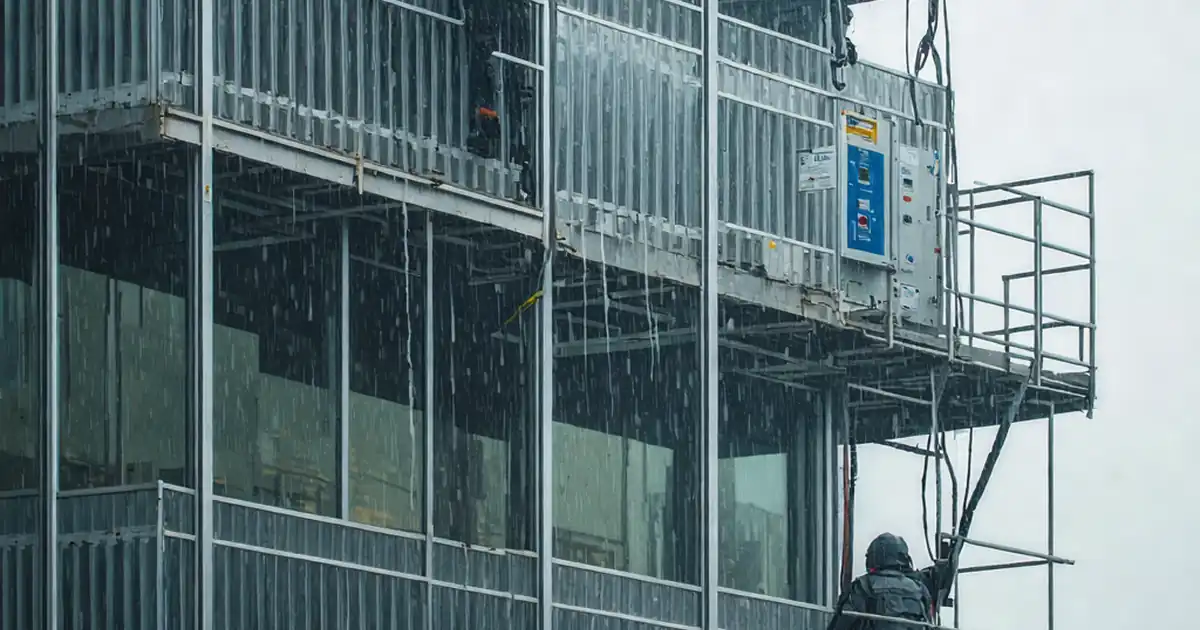
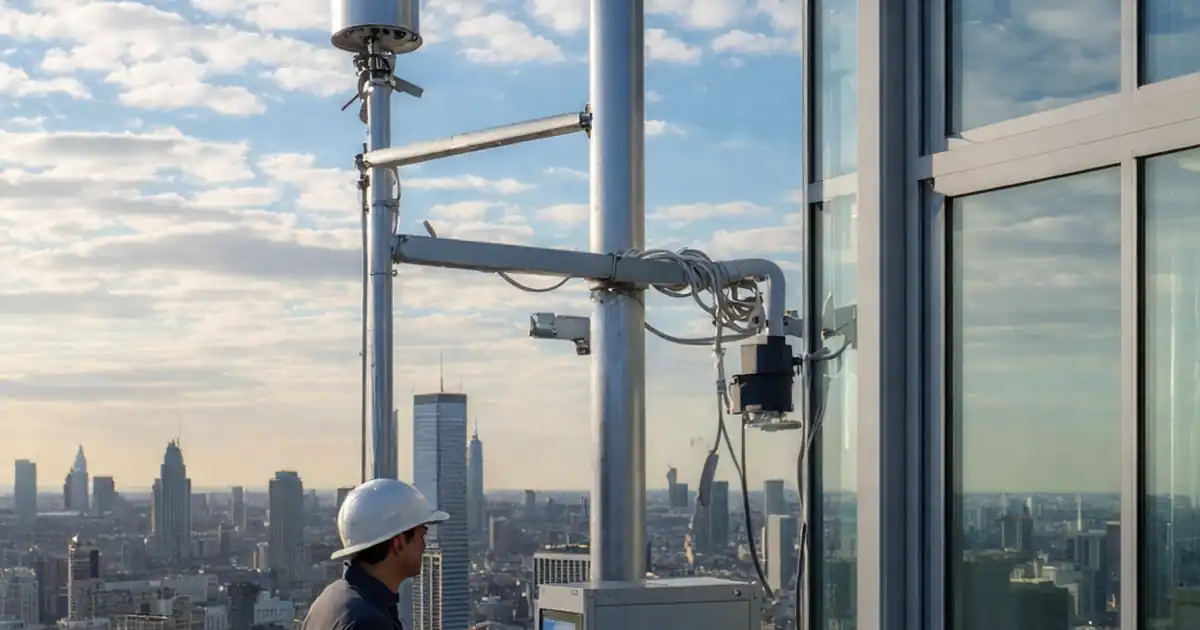
Inspect dynamic façade commissioning under simulated environmental inputs
Definition: Inspect dynamic façade commissioning under simulated environmental inputs for commissioning agents, façade engineers, and GC teams, defining setup, control logic checks, and performance evidence under wind, rain, solar, thermal, and power-loss scenarios.
- Verify façade response to wind, rain, solar, and thermal loads.
- Validate sensors, BMS logic, and fail-safe states with traceable data.
- Capture photos, logs, and approvals for handover and warranty.
- Interactive, commentable checklist; export reports with QR code verification.
Inspect dynamic façade commissioning under simulated environmental inputs to verify adaptive envelope performance, control logic, and life-safety behavior before occupancy. This checklist supports dynamic facade performance testing, commissioning of adaptive building envelopes, and mock environmental conditioning aligned with design intent. It focuses on operable elements (louvers, vents, electrochromic glazing), their sensors and actuators, and BMS integrations when subjected to simulated wind pressures, water spray, solar irradiance, and thermal gradients. By rehearsing credible scenarios in a controlled setup, teams reduce water ingress risk, binding actuators, software mis-mapping, nuisance alarms, and occupant comfort complaints, while establishing traceable benchmarks for energy, safety, and maintenance. The scope excludes permanent structural testing and field water-penetration certification; use project specifications and authority requirements for any mandatory protocols. Use this interactive checklist to tick completed tasks, add comments, attach photos and logs, and export as PDF/Excel via a secure QR link.
- Commission dynamic façades against realistic, controlled inputs to confirm movement tolerances, response times, and fail-safe behavior. The process reduces post-occupancy defects by exposing control, wiring, and sequencing errors while capturing verifiable evidence for stakeholder acceptance and warranty alignment.
- The checklist structures preparation, instrumentation, simulated loads, functional responses, and recovery testing. It emphasizes calibrated sensors, BMS point mapping, data integrity, and clear pass/fail thresholds for wind pressure, water spray, irradiance, thermal gradients, acoustics, and vibration.
- Interactive online checklist with tick, comment, and export features secured by QR code.
- Deliverables include dated photos, calibration certificates, trend logs, and sign-offs. Clear acceptance cues—pressure ±5%, irradiance ±10%, stroke ±2 mm, safe position under 30 s—provide defensible outcomes per approved project specifications and authority requirements.
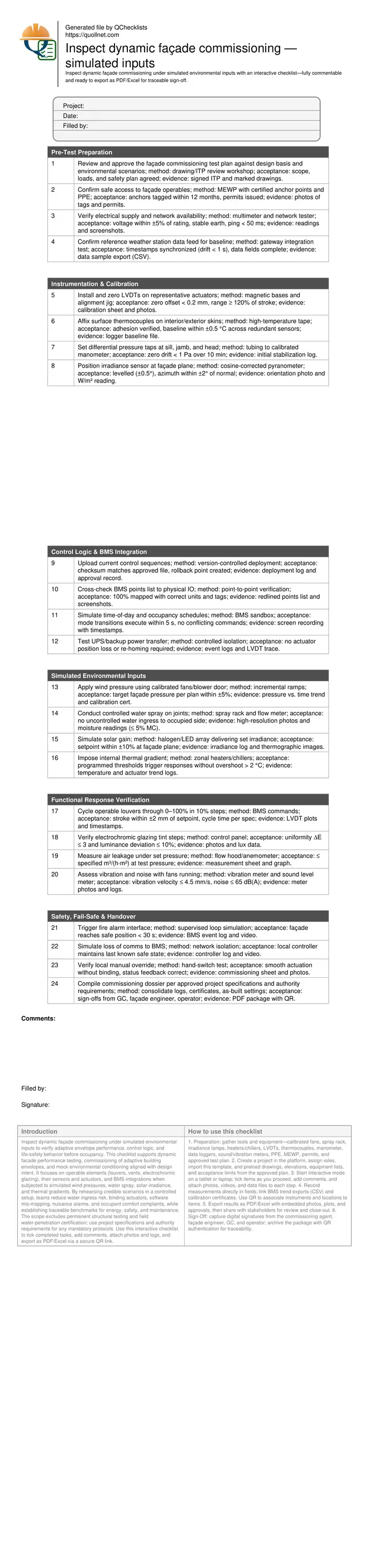
Pre-Test Preparation
Instrumentation & Calibration
Control Logic & BMS Integration
Simulated Environmental Inputs
Functional Response Verification
Safety, Fail-Safe & Handover
Why Simulated Inputs Matter for Dynamic Façades
Dynamic façades must respond predictably to wind, rain, sunlight, and temperature swings while protecting occupants and enabling energy savings. Simulated inputs allow teams to rehearse real conditions in a controlled, low-risk setting before handover. By ramping pressures, irradiance, and thermal gradients, you can verify response times, stroke accuracy, leakage thresholds, and recovery behavior without relying on seasonal weather. This approach also reveals integration flaws—miswired sensors, inverted setpoints, or conflicting modes—that design reviews may miss. The result is a defensible record of performance, improved occupant comfort, and fewer call-backs. Use calibrated equipment, progressive loading, and stable baselines to produce trustworthy data. Coordinate roles early: façade specialist leads operables, commissioning agent validates logic, and BMS integrator manages points. Always document assumptions, instrumentation positions, and acceptance limits to keep results comparable across test days and areas.
- Ramp loads gradually and monitor for early warning trends.
- Fix sensor placement and orientation for repeatability.
- Define pass/fail limits and hysteresis before testing.
- Log synchronized timestamps across all data sources.
Controls, Sensors, and Data You Can Trust
Control logic is only as good as the signals it consumes. Validate each sensor’s calibration, units, and mapping to the BMS or local controller before live tests. Use sandbox schedules to drive predictable transitions and avoid overlapping demands from lighting, HVAC, and façade control loops. Confirm fail-safes and power quality; brownouts can corrupt actuator homing and logs. Data integrity underpins sign-off: ensure all recorders share a common time base and that sampling rates capture the fastest event, such as actuator start/stop edges. Store raw files (CSV) alongside human-readable summaries so stakeholders can re-verify findings. Trend plots should present load profiles and responses on the same timeline, highlighting delays, overshoot, and steady-state stability. Screen recordings and annotated photos help connect data to physical components, especially on complex elevations with repeated modules.
- Map every point with units, tags, and scaling verified.
- Synchronize clocks; keep drift below one second.
- Set sampling rates to capture transient events.
- Archive raw data, plots, and screen recordings.
Acceptance, Evidence, and Clean Handover
Clear acceptance thresholds keep decisions objective and dispute-free. Define pressure accuracy, irradiance tolerance, stroke deviation, response time, leakage rate, and safe-position timing before mobilization. During testing, capture meter faces, orientation photos, and instrument serial numbers to support traceability. Use progressive challenges: single-variable ramps followed by combined scenarios—such as wind plus rain—so root causes remain clear. After completion, restore normal control modes and verify baseline conditions. Assemble a commissioning dossier that includes signed ITPs, calibration certificates, trend logs, and approved setpoints. Provide operators with practical reset and recovery procedures, alarm limits, and maintenance intervals for sensors and actuators. Close out with a joint review to lock changes and prevent scope drift into certification testing unless specifically required.
- State limits in SI units with tolerances.
- Capture photos of each instrument and setup.
- Package raw data with a readable summary.
- Provide reset, recovery, and maintenance notes.
How to Use This Interactive Commissioning Checklist
- Preparation: gather tools and equipment—calibrated fans, spray rack, irradiance lamps, heaters/chillers, LVDTs, thermocouples, manometer, data loggers, sound/vibration meters, PPE, MEWP, permits, and approved test plan.
- Create a project in the platform, assign roles, import this template, and preload drawings, elevations, equipment lists, and acceptance limits from the approved plan.
- Start interactive mode on a tablet or laptop; tick items as you proceed, add comments, and attach photos, videos, and data files to each step.
- Record measurements directly in fields; link BMS trend exports (CSV) and calibration certificates. Use QR to associate instruments and locations to items.
- Export results as PDF/Excel with embedded photos, plots, and approvals, then share with stakeholders for review and close-out.
- Sign-Off: capture digital signatures from the commissioning agent, façade engineer, GC, and operator; archive the package with QR authentication for traceability.
Call to Action
- Start Checklist Tick off tasks, leave comments on items or the whole form, and export your completed report to PDF or Excel—with a built-in QR code for authenticity.
- Download Excel - Dynamic Façade Commissioning under Simulated Inputs
- Download PDF - Dynamic Façade Commissioning under Simulated Inputs
- View Image - Dynamic Façade Commissioning under Simulated Inputs
Cite & Embed
“Dynamic Façade Commissioning under Simulated Inputs by Quollnet”
with a link to
this source page.
FAQ
Question: What simulated environmental levels should we use for dynamic façade commissioning?
Question: Can we commission the façade without a fully integrated BMS?
Question: How do we avoid damaging operable elements during simulated testing?
Question: What evidence is typically required for owner acceptance and warranty?
Related Articles
Broader reading and guidance connected to this checklist topic.


Concrete Cube Curing: Site Storage, Water Tank & Laboratory Requirements

What Is a Snag List Or Punch List


Related Checklists
Keep the workflow moving with nearby templates chosen from similar checklist content.