Inspect Dynamic Façade Emergency Override and Manual Control
Definition: Inspect dynamic façade emergency override and manual control function to validate life-safety response, manual station priority, and BMS/fire interface performance for facility managers, commissioning agents, and maintenance teams.
- Confirms emergency override drives façades to defined fail-safe positions.
- Verifies manual stations take priority over schedules and remote commands.
- Tests BMS/fire interfaces, wiring integrity, response and completion times.
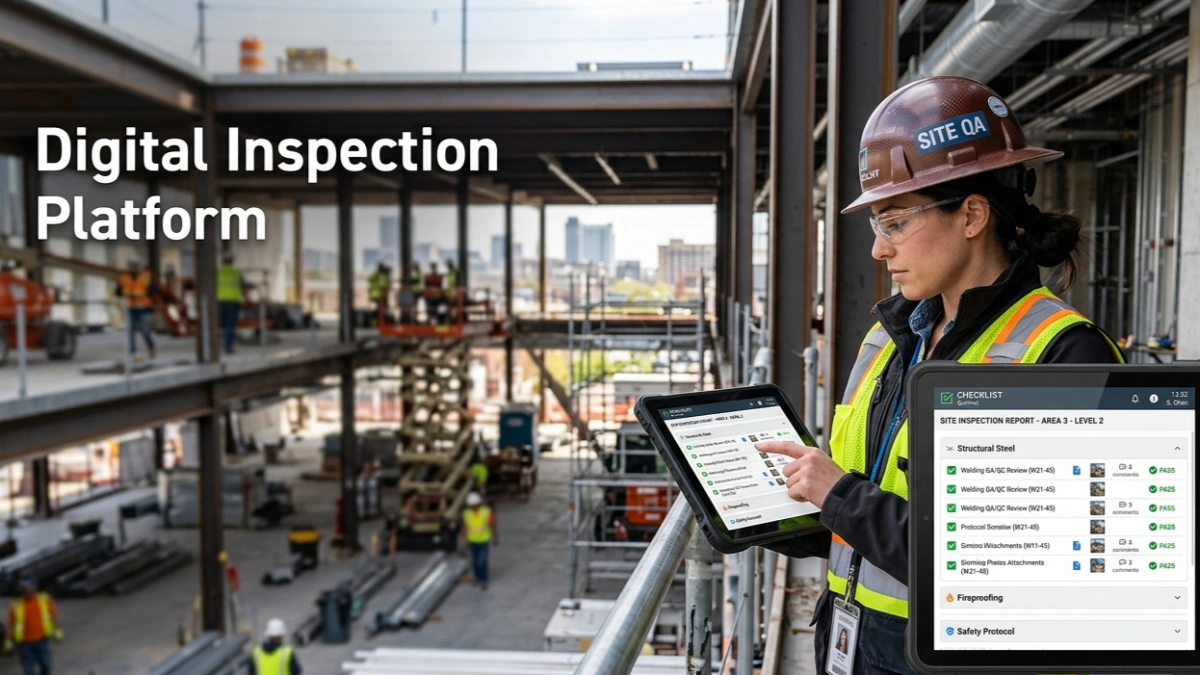
- Interactive, commentable checklist with export and QR code verification.
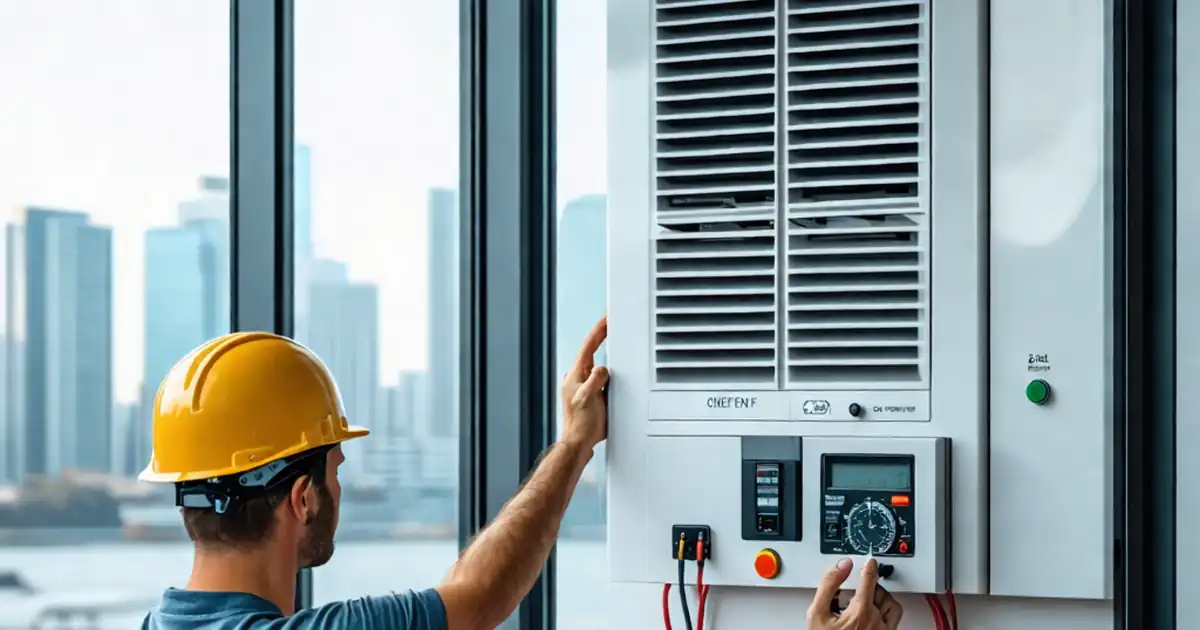
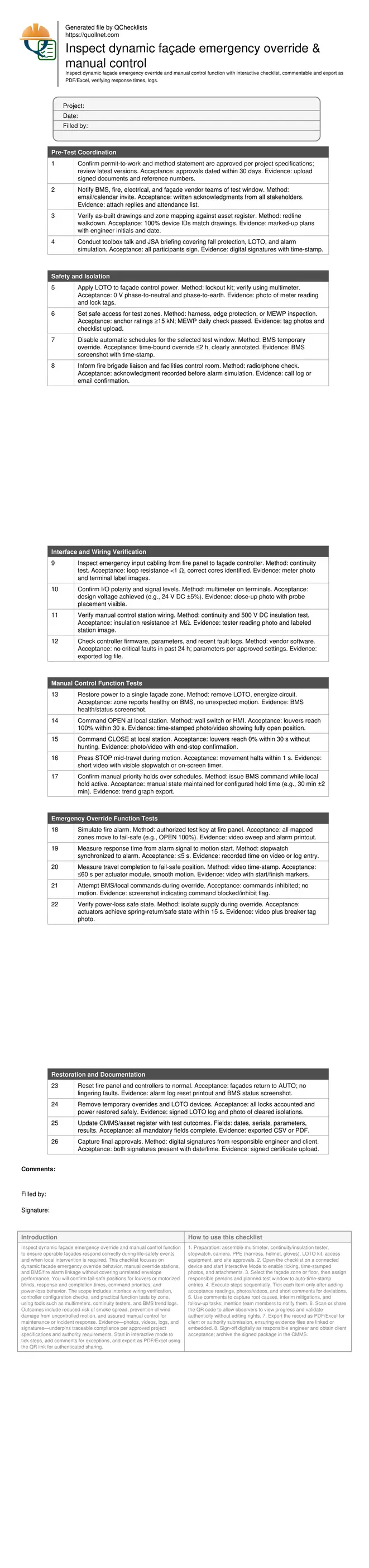
Inspect dynamic façade emergency override and manual control function to ensure operable façades respond correctly during life-safety events and when local intervention is required. This checklist focuses on dynamic facade emergency override behavior, manual override stations, and BMS/fire alarm linkage without covering unrelated envelope performance. You will confirm fail-safe positions for louvers or motorized blinds, response and completion times, command priorities, and power-loss behavior. The scope includes interface wiring verification, controller configuration checks, and practical function tests by zone, using tools such as multimeters, continuity testers, and BMS trend logs. Outcomes include reduced risk of smoke spread, prevention of wind damage from uncontrolled motion, and assured manual control for maintenance or incident response. Evidence—photos, videos, logs, and signatures—underpins traceable compliance per approved project specifications and authority requirements. Start in interactive mode to tick steps, add comments for exceptions, and export as PDF/Excel using the QR link for authenticated sharing.
- This checklist validates that emergency inputs reliably force façades to their designated fail-safe positions and that manual stations correctly override schedules. It details tools, methods, and acceptance limits for response initiation, full-travel completion, and power-loss behavior, while capturing photo, video, and log evidence for traceable sign-off.
- Using practical steps, it isolates safety-critical wiring, verifies polarity and insulation resistance, and confirms controller firmware health before live tests. Clear tolerances—such as ≤5 s to react and ≤60 s to complete motion—help teams spot configuration or mechanical faults before handover or re-occupancy.
- Interactive online checklist with tick, comment, and export features secured by QR code. It supports field evidence capture, digital signatures, and stakeholder notifications, reducing retests and disputes by aligning site observations with approved project specifications and authority requirements in a consistent, auditable format.
Pre-Test Coordination
Safety and Isolation
Interface and Wiring Verification
Manual Control Function Tests
Emergency Override Function Tests
Restoration and Documentation
Priority logic, fail-safe positions, and why they matter
Emergency override must always supersede schedules and remote commands, sending dynamic façades to a defined fail-safe position aligned with smoke control and wind safety strategies. Manual control is the next priority, enabling local technicians to position louvers for access, cleaning, or incident response. Before live testing, confirm which zones belong to each alarm cause-and-effect matrix and what the safe position is (fully open for smoke extraction, or fully closed/parked for storm conditions). Verify the controller hierarchy: alarm input at top, manual station next, then BMS/schedules. Watch for hunting or partial travel, which often indicates misconfigured feedback or mechanical resistance. Acceptance hinges on quick response, complete travel, and inhibited external commands during emergencies. Record evidence consistently—time-stamped video for motion, screenshots for inhibits, and annotated photos of terminal labels—to build a defensible compliance record per approved project specifications and authority requirements.
- Emergency input overrides all schedules and remote commands.
- Manual station holds priority for configured duration.
- Fail-safe position is predefined per project strategy.
- Hunting indicates feedback or mechanical issues.
- Capture video, screenshots, and labeled photos.
Measuring response and completion times with confidence
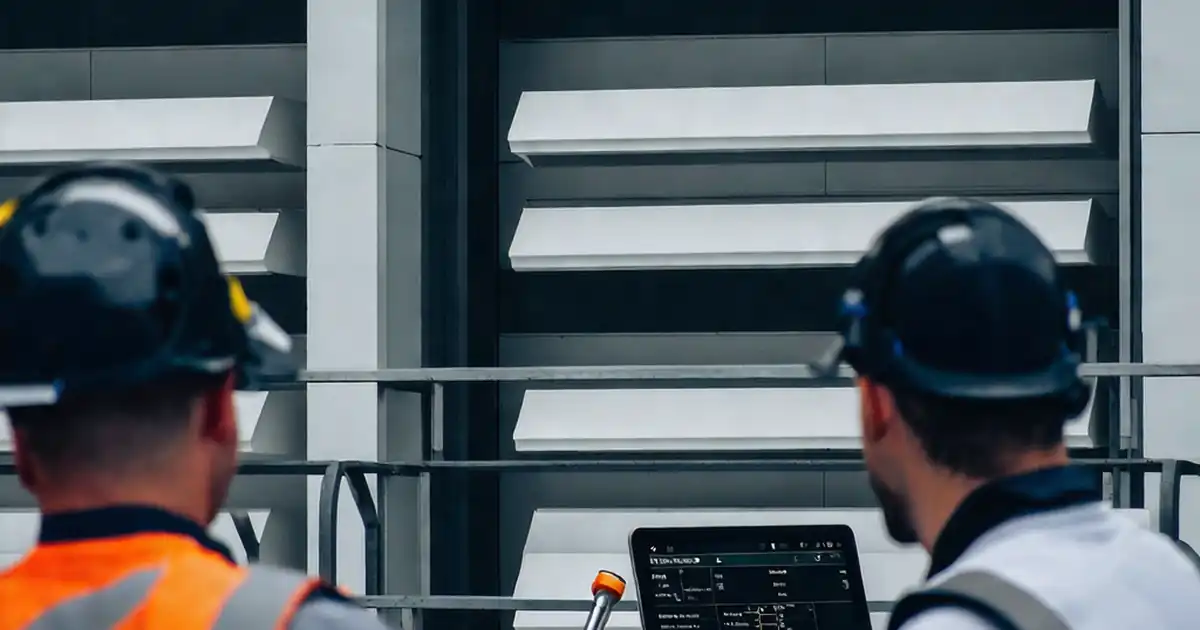
Accurate timing proves that the façade reacts fast enough to support life-safety goals. Sync clocks on cameras, phones, and BMS before starting. Begin timing at the alarm relay change or at the fire panel event time-stamp, whichever is clearer, and stop when motion starts for response time. For completion, stop when the end-stop is reached and feedback confirms the target percentage. Maintain consistent sampling—use BMS trends at 1 s intervals as a cross-check. Where wind-load protection modes exist, ensure the emergency action still prevails or is intentionally coordinated. If the actuator specification claims 60 s travel, any significant overrun suggests friction, low voltage, or binding. Keep raw footage and logs; they are essential if acceptance is challenged later.
- Sync device clocks before testing.
- Use 1 s BMS trends for corroboration.
- Response time target: ≤5 s to motion start.
- Completion time target: ≤60 s end-to-end.
- Retain raw video and exported logs.
Common faults, quick diagnostics, and corrective actions
Failures typically trace to wiring, configuration, or mechanics. Reversed polarity or open circuits on emergency inputs prevent the controller from recognizing alarms; continuity and voltage checks will reveal this quickly. Manual stations often fail priority tests when hold times are unset or too short—align these with operational needs. Frequent nuisance movement during override points to conflicting automation not truly inhibited. Mechanically, stiff hinges, misaligned slats, or debris can add load and extend travel beyond specified times; inspect, clean, and lubricate as needed. Spring-return actuators that do not park within 15 s after power loss may be at end-of-life or under-rated for wind loads. Document each fix, then repeat only the affected steps to confirm restoration.
- Confirm wiring continuity and correct polarity.
- Set realistic manual priority hold times.
- Inhibit conflicting automation during overrides.
- Eliminate debris and mechanical binding.
- Re-test only the impacted steps.
How to Use This Interactive Checklist
- Preparation: assemble multimeter, continuity/insulation tester, stopwatch, camera, PPE (harness, helmet, gloves), LOTO kit, access equipment, and site approvals.
- Open the checklist on a connected device and start Interactive Mode to enable ticking, time-stamped photos, and attachments.
- Select the façade zone or floor, then assign responsible persons and planned test window to auto-time-stamp entries.
- Execute steps sequentially. Tick each item only after adding acceptance readings, photos/videos, and short comments for deviations.
- Use comments to capture root causes, interim mitigations, and follow-up tasks; mention team members to notify them.
- Scan or share the QR code to allow observers to view progress and validate authenticity without editing rights.
- Export the record as PDF/Excel for client or authority submission, ensuring evidence files are linked or embedded.
- Sign-off digitally as responsible engineer and obtain client acceptance; archive the signed package in the CMMS.
Call to Action
- Start Checklist Tick off tasks, leave comments on items or the whole form, and export your completed report to PDF or Excel—with a built-in QR code for authenticity.
- Download Excel - Dynamic Façade Emergency Override & Manual Control Inspection
- Download PDF - Dynamic Façade Emergency Override & Manual Control Inspection
- View Image - Dynamic Façade Emergency Override & Manual Control Inspection
Cite & Embed
“Dynamic Façade Emergency Override & Manual Control Inspection by Quollnet”
with a link to
this source page.

FAQ
Question: How often should I test the dynamic façade emergency override and manual controls?
Question: What if manual commands still work during an emergency override?
Question: Which evidence is most persuasive for authorities or clients?
Question: How do wind or storm modes interact with emergency override?
Question: What tolerances apply if actuator travel time differs from the datasheet?
Related Articles
Broader reading and guidance connected to this checklist topic.

Improve Your Project Handover Process With Snag List Tracking App
Related Checklists
Keep the workflow moving with nearby templates chosen from similar checklist content.