QArticles: The Complete Publishing Guide
Introduction
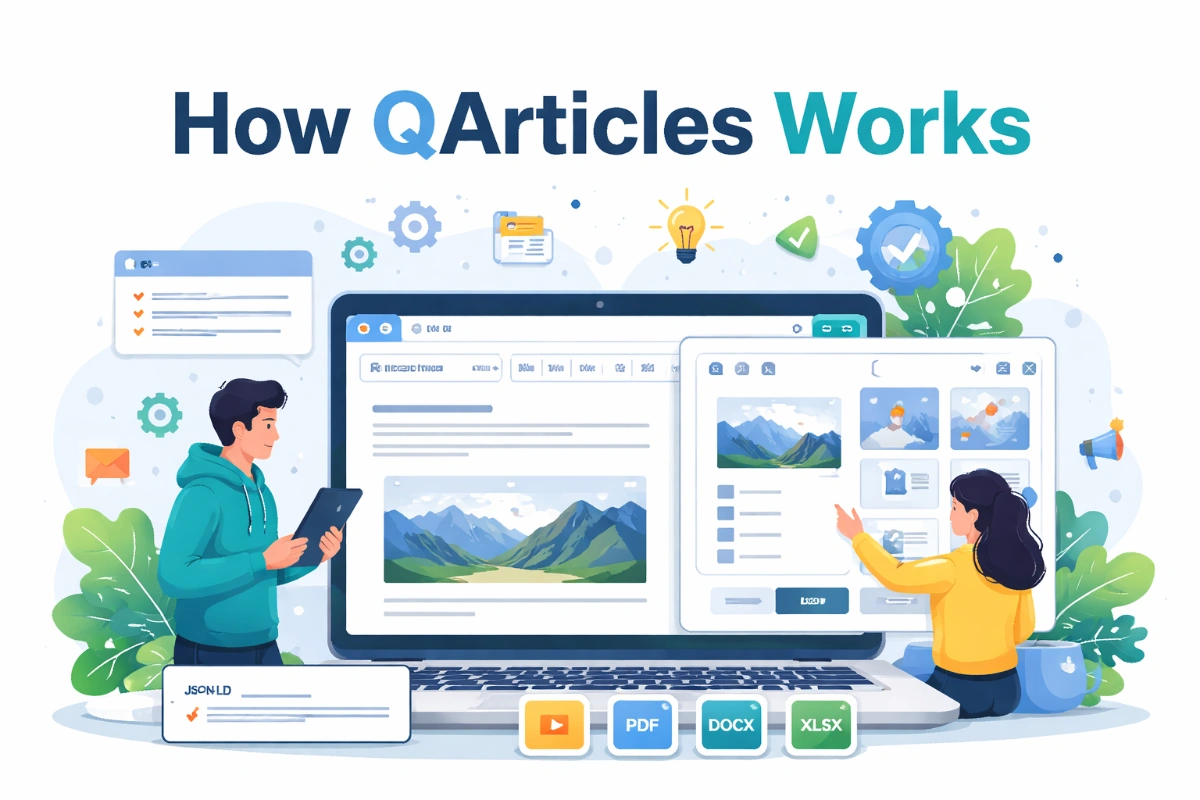
QArticles is a WYSIWYG article editor and publishing platform designed for creating structured, SEO-optimized articles. It allows users to write content using a rich text editor while automatically generating metadata such as JSON-LD structured data, Open Graph tags, and Twitter cards.
The platform simplifies technical publishing by combining a powerful HTML editor with automated SEO features and a built-in attachment manager for images and documents. This guide explains how to create, edit, and publish articles using QArticles.
Creating a New Article
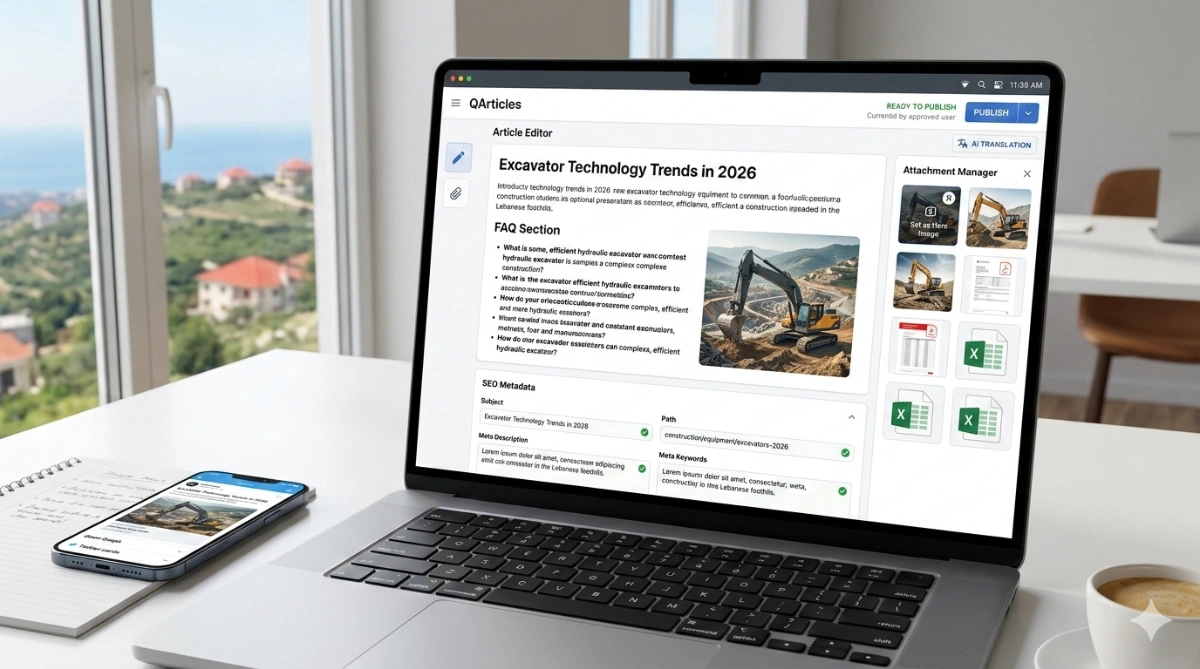
To create a new article, start by filling the article creation form. The form contains metadata fields that help search engines understand and display the article correctly.

Subject
The subject is the SEO title of the article.
-
Example: Excavator Technology Trends in 2026
Path (Slug)
The slug defines the article URL.
-
Examples:
construction/equipment/excavators-2026orexcavators-2026
Meta Description
This description is used by search engines and social media previews.
-
Example: Explore the latest excavator technologies and market trends shaping construction equipment in 2026.
Meta Keywords
Keywords classify the topic of the article.
-
Example: excavators, construction equipment, heavy machinery
FAQ Section
FAQs must follow this specific format to allow QArticles to automatically convert them into structured FAQ schema:
q: What is an excavator? a: An excavator is a heavy construction machine used for digging and earthmoving.
Opening and Editing Articles
After creating an article, it can be edited at any time. To edit an article:
-
Select the article from the left sidebar.
-
Click the pencil icon.
-
The editor will open, allowing you to modify the content.
[Image showing the sidebar and pencil icon]
Writing with the WYSIWYG Editor
QArticles uses a Google-Docs-style editor. Users can write normally and apply formatting using the toolbar. Available formatting includes:
-
Headings, Bold, and Italic
-
Lists and Alignment
-
Links and Indentation
-
Text size and font selection
Uploading Attachments
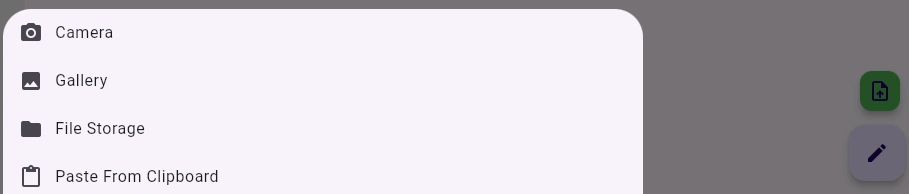
Attachments are managed using the attachment button located at the bottom right corner of the editor. When clicked, the attachment panel slides up from the bottom of the screen.
Supported File Types:
-
Images
-
PDF files
-
DOCX documents
-
XLSX spreadsheets
Upload Sources:
-
Camera or Gallery
-
File storage
-
Clipboard
Inserting Images and Files
Once an attachment is uploaded, you can perform several actions via the tool overlay:
-
Insert image: Adds the image directly into the article using an
<img>element. -
Insert link: Adds the file as a clickable link.
-
Other actions: Copy link, Download, or Delete attachment.

Setting the Hero Image
A hero image defines the main visual for the article. To set it:
-
Upload an image.
-
Select the image in the attachment panel.
-
Click the "set as hero image" icon.
The hero image is automatically used for Open Graph previews, Twitter cards, and article thumbnails.
Editing HTML (Advanced Users)
For advanced users, QArticles allows viewing and editing the raw HTML. This is useful for:
-
Adjusting complex formatting.
-
Embedding custom elements.
-
Refining HTML structure manually.
The system still benefits from automatic metadata generation even when editing via HTML.
Publishing Articles
Articles move through multiple states:
-
Draft: The article is saved but not ready for public viewing.
-
Ready to Publish: For new users, the article enters this state awaiting approval.
-
Published: After approval, the article becomes publicly accessible.
Editing a Published Article
To modify an article that is already live:
-
Unpublish the article.
-
Edit the content.
-
Publish the article again.
AI Translation
QArticles supports AI translation powered by GPT-5. The system uses version tracking to detect when translations become outdated compared to the original text.
-
Availability: AI translation is currently available on request.
-
Contact: contact@quollnet.com