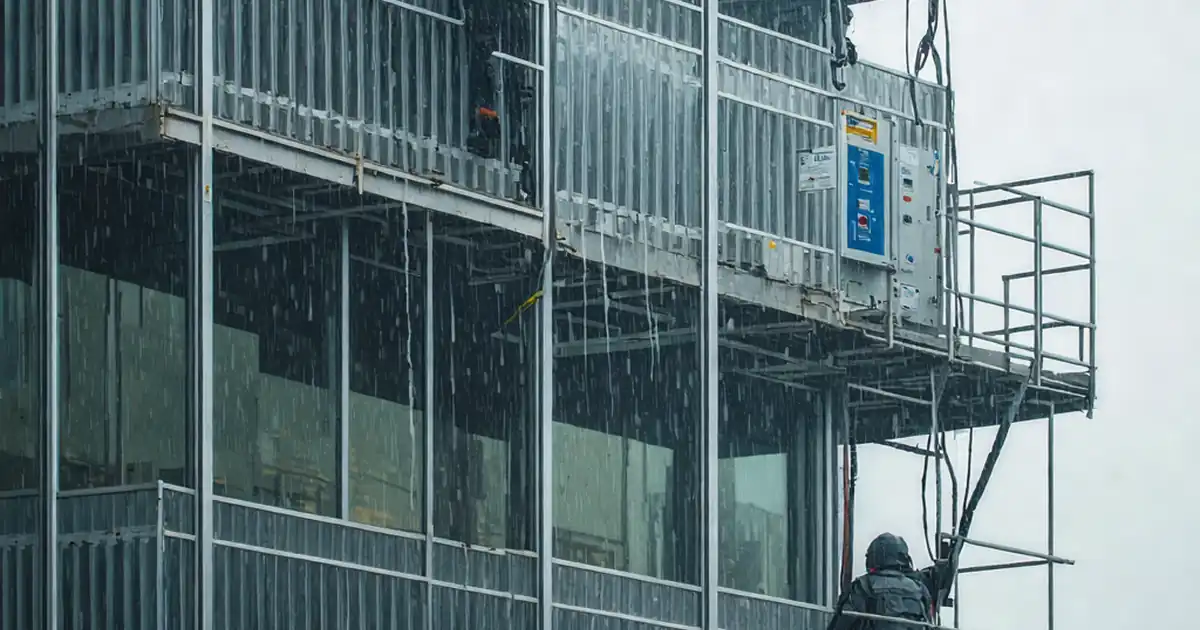
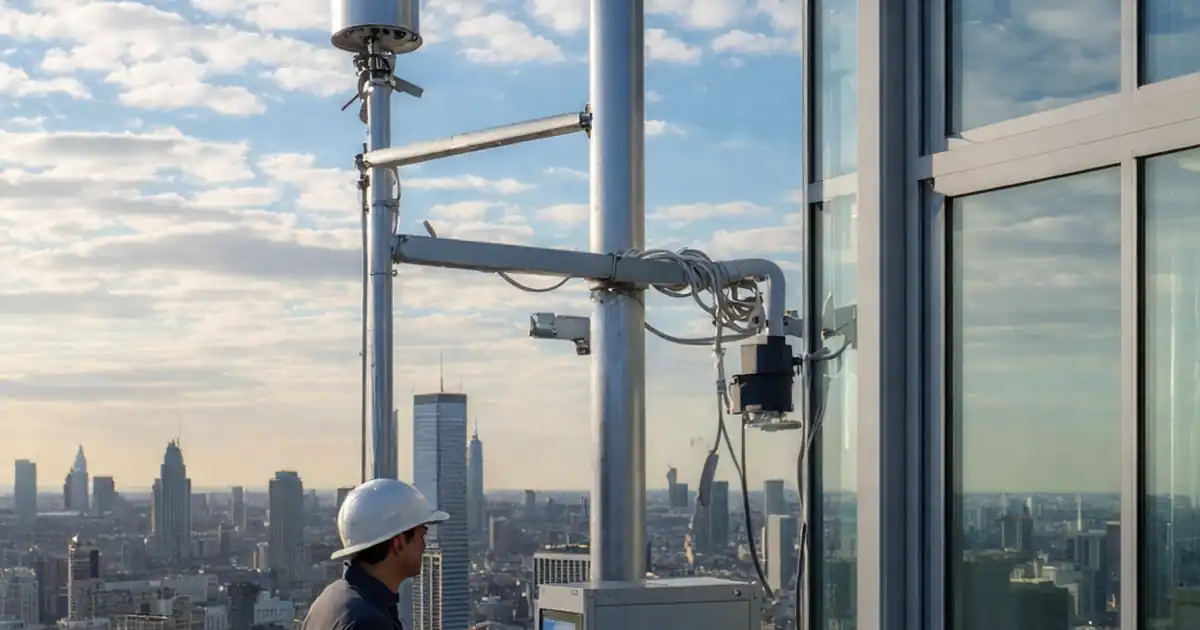
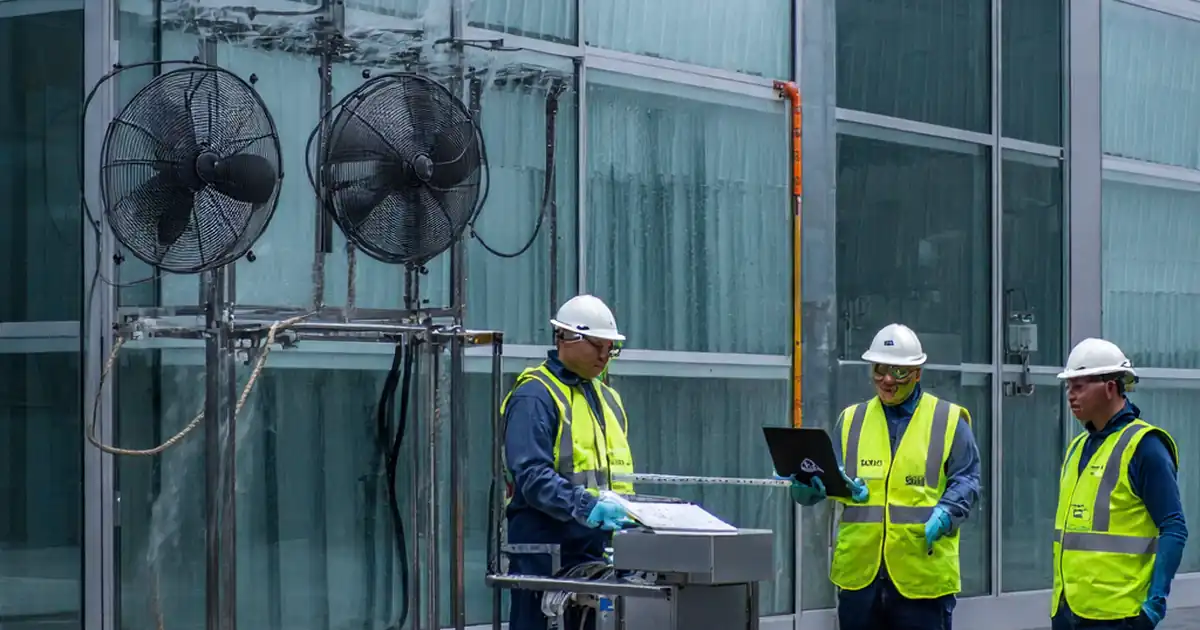
Test dynamic façade response to rain sensors and protective closure
Definition: Test dynamic façade response to rain sensors and protective closure for commissioning teams validating automated weather protection, closure timing, and fail-safe behavior under controlled wetting, ensuring safe, documented operation before handover.
- Confirms sensors detect rainfall and command protective closed position reliably
- Validates closure timing, hysteresis, and safe default during sensor faults
- Captures photos, logs, and signatures for traceable commissioning records
- Interactive, commentable checklist with export and QR code verification
Test dynamic façade response to rain sensors and protective closure ensures automated façades correctly detect precipitation and transition to a protective closed position. This checklist focuses on functional verification, timing, hysteresis, and fail-safe behavior of rain-sensing inputs controlling operable façades, louvers, vents, and windows. It complements dynamic facade rain sensor testing during commissioning by simulating uniform rainfall and verifying system logic, alarms, and recovery to normal operation. The scope excludes unrelated wind, smoke, or heat functions, except where rain logic interlocks with those modes. By following this method, teams prevent water ingress, hardware damage, nuisance cycling, and unsafe partial closures while producing auditable evidence for acceptance. You will confirm sensor installation, calibration, baseline states in dry conditions, simulated rain response, safe-state defaults on faults, and integration with the building management system. Use this interactive checklist to tick items, add comments, and export as PDF/Excel with a secure QR.
- This procedure validates that rain sensors correctly detect wetting and drive every operable element to the protective closed position within specified timing. It reduces water ingress risk, prevents damage to motors and finishes, and builds evidence for acceptance per approved project specifications and authority requirements.
- The test uses controlled simulated rainfall at measured rates to verify trigger thresholds, hysteresis delays, and recovery to normal. It checks manual override priorities, fail-safe defaults on sensor faults, and integrations with BMS alarms. Evidences include time-stamped photos, videos, and exported trend logs for each tested zone.
- Interactive online checklist with tick, comment, and export features secured by QR code. Field teams capture as-found conditions, readings, and closures, while stakeholders review comments remotely. Final sign-off includes digital signatures, asset references, and attachments, ensuring a clear, auditable record for operation and maintenance phases.
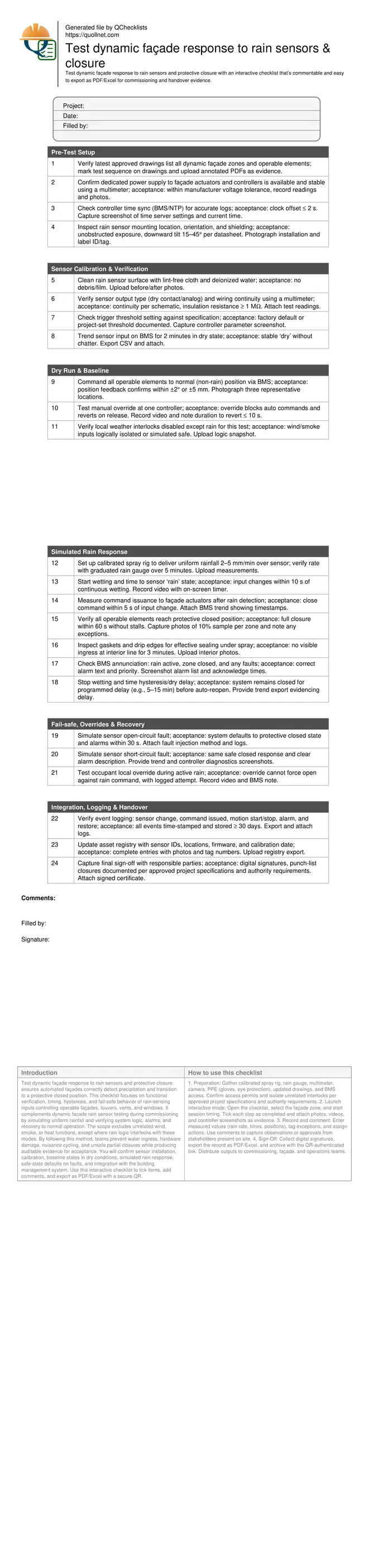
Pre-Test Setup
Sensor Calibration & Verification
Dry Run & Baseline
Simulated Rain Response
Fail-safe, Overrides & Recovery
Integration, Logging & Handover
Establish Controlled Rain Conditions and Reliable Triggers
Dynamic façades must recognize rain consistently to prevent water ingress. Use a calibrated spray rig to produce uniform wetting across the rain sensor, targeting 2–5 mm/min rainfall equivalent and verifying with a graduated gauge at 1-minute intervals. The aim is to prove the trigger occurs quickly without spurious chatter. Confirm the input type and threshold in the controller and observe a steady dry baseline before wetting. During the test, capture the time from initial wetting to input change, then to command issuance and movement start. Document closed positions with photos and position feedback when available. Finally, verify annunciation text and priorities in the BMS so operators receive meaningful, actionable alarms during actual weather events.
- Verify rainfall rate with a physical gauge reading
- Target sensor change within 10 seconds of wetting
- Issue close command within 5 seconds of detection
- Record closed position within 60 seconds total
- Capture BMS alarm text and priorities
Prove Hysteresis, Recovery, and Nuisance Prevention
After wetting stops, the system must remain closed until the façade is safe to reopen. Hysteresis or dry delay timers prevent nuisance cycling from intermittent drizzle or splashback. Trend the sensor state and actuator commands to confirm the programmed delay, typically several minutes, then verify an orderly return to normal positions. Ensure occupant overrides cannot defeat the rain close command, while authorized personnel can restore automatic mode without power cycling. Test both open-circuit and short-circuit sensor faults to verify a safe closed default and clear fault annunciation. This reduces risk of damage to interiors and actuators, and provides operators with confidence during unpredictable weather.
- Confirm dry delay matches documented setpoint
- Prevent overrides from forcing open in rain
- Default closed on sensor fault conditions
- Trend recovery back to normal positions
- Export time-stamped evidence for review
Documentation, Acceptance Cues, and Real-World Readiness
Acceptance hinges on objective, retrievable evidence: annotated drawings, time-synchronized photos and videos, and exported trend logs. Look for clean sensor faces, correctly oriented mounts, and stable input signals. Verify that alarm texts match operator expectations and that data retention spans at least one month. Record any elements that fail to reach full closure, including exact locations and failure modes, and raise corrective actions. Update the asset registry with sensor identifiers, firmware, and calibration dates to support maintenance. Close with digital signatures from commissioning, controls, façade, and client representatives to formalize readiness for weather events.
- Synchronize clocks before evidence capture
- Photograph sensor tags and mounting angles
- Export CSV trends for each tested zone
- List exceptions with precise locations
- Obtain multi-party digital sign-off
How to Use This Interactive Rain Response Test Checklist
- Preparation: Gather calibrated spray rig, rain gauge, multimeter, camera, PPE (gloves, eye protection), updated drawings, and BMS access. Confirm access permits and isolate unrelated interlocks per approved project specifications and authority requirements.
- Launch interactive mode: Open the checklist, select the façade zone, and start session timing. Tick each step as completed and attach photos, videos, and controller screenshots as evidence.
- Record and comment: Enter measured values (rain rate, times, positions), tag exceptions, and assign actions. Use comments to capture observations or approvals from stakeholders present on site.
- Sign-Off: Collect digital signatures, export the record as PDF/Excel, and archive with the QR-authenticated link. Distribute outputs to commissioning, façade, and operations teams.
Call to Action
- Start Checklist Tick off tasks, leave comments on items or the whole form, and export your completed report to PDF or Excel—with a built-in QR code for authenticity.
- Download Excel - Dynamic Façade Rain Response Test
- Download PDF - Dynamic Façade Rain Response Test
- View Image - Dynamic Façade Rain Response Test
Cite & Embed
“Dynamic Façade Rain Response Test by Quollnet”
with a link to
this source page.

FAQ
Question: What rainfall rate should I use to test the rain sensor reliably?
Question: How fast should the façade close after rain detection?
Question: How do I confirm fail-safe behavior if the sensor wiring fails?
Question: What evidence is mandatory for handover of this test?
Related Articles
Broader reading and guidance connected to this checklist topic.


Is It Important To Customize Your Qr Code And How To Do It?
Download Excel Format Snag List


What Is a Snag List Or Punch List
Related Checklists
Keep the workflow moving with nearby templates chosen from similar checklist content.