G
Guest

What is a snag list or punch list

What is a snag list or punch list in construction? See examples, responsibilities, inspection-to-closure steps, and an Excel report sample with photos and QR codes.

What is a snag list or punch list
English version

What Is a Snag List or Punch List in Construction?

A snag list (also called a punch list) records incomplete construction work and defects identified during inspections, with locations, photographs, assigned responsibility, current status and verification of closure.

When Is a Snag List Prepared?

Snagging is common as a building approaches handover or practical completion, but issues can be recorded during earlier inspections too. The contract and project quality procedures establish when inspections take place, who can accept rectification and what evidence is required. A snag list is a tracking record; it is not, by itself, a certificate of completion.

What Should Each Snag Record Contain?

  • Reference and date: a unique snag identifier and date raised.
  • Location: building, floor, room, grid or element reference.
  • Description: a specific statement of the defect or incomplete work.
  • Evidence: photographs and relevant drawings or specification references.
  • Responsibility: the contractor or subcontractor assigned to rectify the item.
  • Priority and due date: if used in the project workflow.
  • Status and action history: contractor responses, challenges, repairs and inspections.
  • Verification: the inspector's decision and closure record.

How Does the Snag List Workflow Work?

  1. Inspect: the inspector identifies an issue and records its precise location and a clear photograph.
  2. Assign: the snag is distributed to the responsible party.
  3. Respond: the contractor acknowledges, requests clarification or challenges the item with supporting evidence.
  4. Rectify: the contractor corrects the issue and records the completed work.
  5. Verify: the inspector revisits or reviews the evidence under the project inspection procedures.
  6. Close or return: the item is closed after authorized verification, or stays open with further comments.

A contractor's statement that a repair is complete is not necessarily the same as the inspector's confirmation that the snag is closed.

Example: A Defective Window Seal

During an inspection, a visible gap is found at a window perimeter seal. The snag identifies the room and window, describes the gap and attaches a photograph. The assigned façade subcontractor repairs the seal under the approved system requirements and submits completion evidence. The inspector then verifies the repair and either closes the snag or provides comments for further correction.

Snag List vs NCR, Observation and DLP Defect

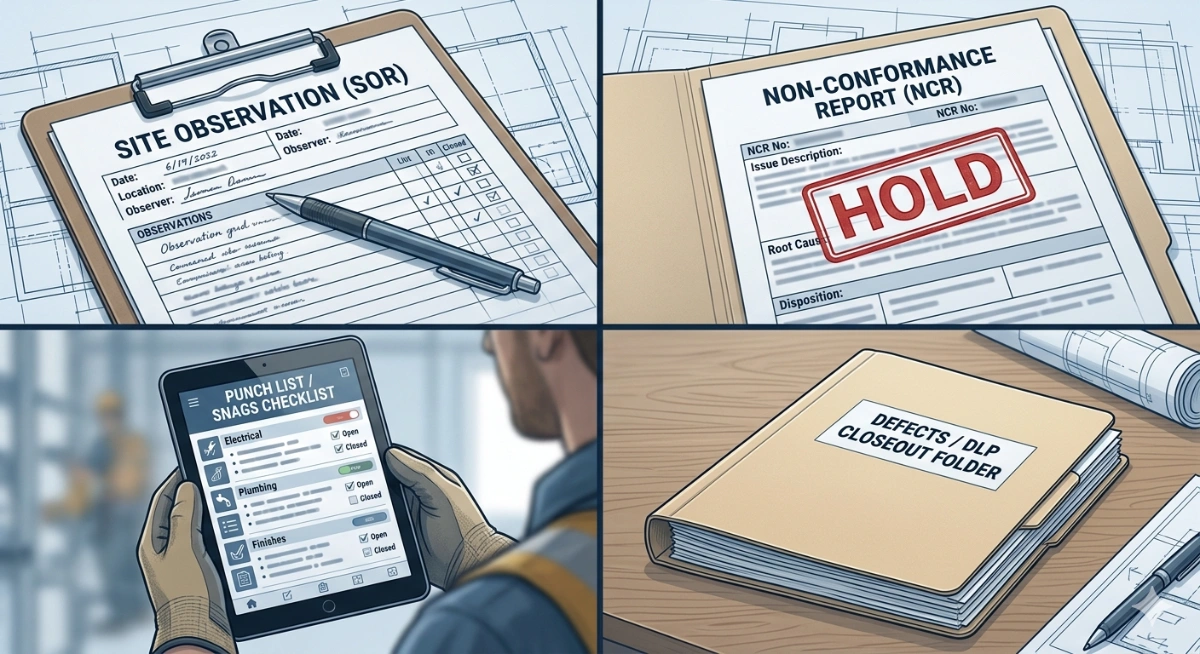
Snag or punch-list items generally track incomplete work and defects found at inspection or near handover. A Nonconformance Report (NCR) formally manages a failure to meet a specified requirement. An observation may highlight an issue needing attention, while a defect discovered during the Defects Liability Period (DLP) may be governed by separate procedures. The applicable record depends on the contract and project rules. See Observation vs NCR vs Snag vs Defect for the detailed comparison.

Excel Snag Lists and Digital Snag Management

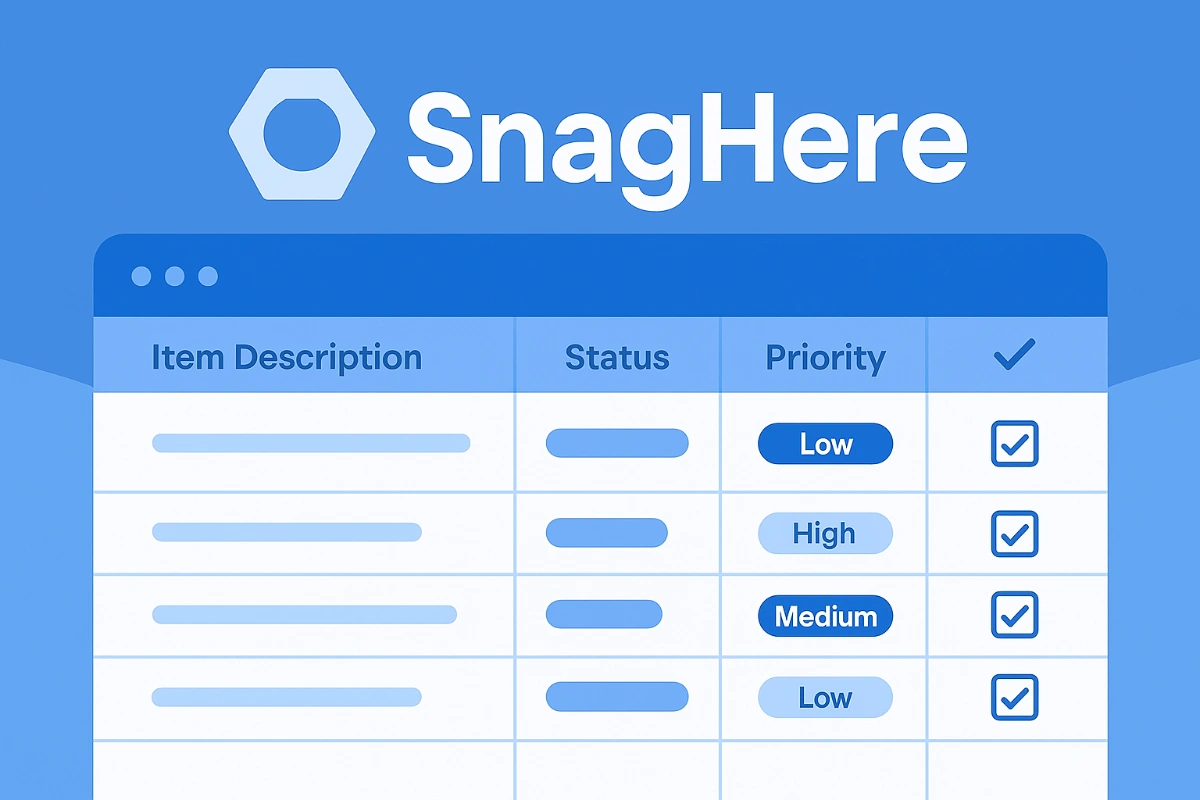
For a small project, a consistently maintained spreadsheet may be sufficient. Larger projects benefit from controlled assignments, a history of responses, photographs and clear verification status. SnagHere allows teams to record and follow up on snags and generate an Excel report containing photographs, color-coded states and individual QR codes that link back to the corresponding snag records for authorized users.

Example: Snag List Report with Photos, Status Colors and QR Codes

This real SnagHere-generated report illustrates how snag information can be presented in Excel. The colored blocks show each snag's recorded state, alongside its description, response history, photograph and QR code. The color scheme is specific to the report, not a universal industry standard.

Example Excel snag list report with photographic defects, color-coded snag states and an individual QR code for each record
SnagHere Excel report illustrating individual defect photographs, progress colors and QR-linked records.

View and download the sample snag list Excel report. To generate and track your own snag reports, visit SnagHere on Quollnet.

When Can a Snag Be Closed?

Closure should be recorded only after the responsible reviewer verifies that the required corrective work satisfies the agreed acceptance criteria. Outstanding items, contested findings and handover conditions should be managed according to the project contract and quality procedures.


Elie Saad's photo
Elie Saad
Nov 09, 2026
53
107
18.18k+
8.45k+

What is a snag list or punch list

Frequently Asked Questions


FAQ

Q: What is a snag list in construction?

A: A snag list or punch list records incomplete work and defects that must be corrected and verified, commonly during inspections before handover.

FAQ

Q: What is the difference between a snag list and a punch list?

A: They usually describe the same type of construction list. Punch list is widely used in North America; snag list is common in British-influenced construction practice.

FAQ

Q: Who is responsible for closing a snag?

A: The responsible contractor rectifies the defect, while the person authorized by the project's procedures verifies that the item can be closed.

FAQ

Q: What does a snag list contain?

A: Typically an item number, location, defect description, photo, responsible party, status, dates and a verification or closure record.

FAQ

Q: Where can I find a snag list Excel sample with photos?

A: The linked Quollnet Excel sample includes real defect photographs, color-coded statuses and QR codes generated by SnagHere.

FAQ

Q: How do QR codes work in a snag list report?

A: Each QR code in the SnagHere-generated Excel report links to its corresponding snag record, allowing authorized users to check its current details and status.

FAQ

Q: Is a snag list the same as an NCR?

A: No. A snag list generally tracks defects or incomplete work, whereas an NCR formally records a nonconformance against specified requirements.

Related Checklists


Inspect façade snagging and defect closeout before handover
✅ 20 items
Inspect façade snagging and defect closeout before handover is the final, disciplined review of cladding, glazing, and curtain wall packages to confirm all punch list items are closed. This checklist focuses on façade punch lists, defect rectification, and evidence-backed closeout without drifting into unrelated trades. You will confirm alignment and plumb, fixings and torque, joints and sealants, drainage and fire barriers, glass condition, surface finish, and documentation required for handover. By catching leaks, thermal bridges, loose fixings, or surface defects now, you avoid client callbacks, costly access re-mobilisation, and reputational risk. The outcome is a clean, watertight, structurally sound, and maintainable façade with complete records—photos, measurements, batch numbers, warranties, and as-builts—per approved project specifications and authority requirements. Use this interactive tool to tick items, add comments, attach evidence, and assign actions. When complete, export your sign-off package as PDF/Excel, secured with a QR link for instant verification.
Close Substructure Punch List: Defects, Verify, Sign-Off
✅ 26 items
Close substructure punch list is the essential final sweep before releasing foundations and below-grade works. This substructure closeout checklist targets pile caps, footings, grade beams, basement slabs, waterproofing, and drainage—while explicitly excluding any superstructure items. By structuring a rigorous foundation punchlist around record–rectify–verify–sign-off, you prevent water ingress, settlement issues, and rework that becomes expensive after backfilling. The checklist guides a disciplined walkdown by grid and elevation, requires evidence such as geotagged photos, test reports, and survey files, and drives rectification through approved methods and materials traceability. Verification steps cover dimensions, levels, cover readings, flow tests, and membrane integrity checks, culminating in transparent sign-off and archival. Keep the scope clean: no columns, upper walls, or above-grade finishes. Use this interactive tool on mobile or desktop to tick items, leave field comments, and export your closeout package as PDF/Excel with a project QR link.
Inspect Façade Glass Quality: Scratches, Chips, Distortion
✅ 26 items
Inspect façade glass quality for scratches, chips, and distortion is a focused, field-ready process to validate installed glazing before handover. This checklist supports glazing inspection across curtain walls, addressing surface defects, edge chips and spalls, and optical distortion such as roller wave or local bow. It defines viewing conditions, tools, and documentation so results are repeatable and defensible. By verifying glass against approved project specifications and authority requirements, teams reduce rework, avoid warranty disputes, and protect the building’s visual performance. The scope stays on exterior façade glass panels and their visible faces; it excludes frame alignment, sealant quality, structural performance, and unrelated envelope trades. Practical methods—diffuse lighting, set viewing distances, reflection grid tests, and macro photography with scales—ensure consistent acceptance decisions. Outcomes include traceable pane IDs, defect mapping, a clear disposition for repair or replacement, and complete records for sign-off. Use this interactive checklist: tick items, add comments, and export PDF/Excel with a secure QR.
Project Closeout Documentation and Handover Inspection Checklist
✅ 12 items
The project closeout phase is a critical stage in the project lifecycle, where all documentation is finalized and the completed project is officially handed over to the client. This process involves verifying that all contractual obligations have been met, ensuring all documentation is complete and accurate, and confirming that the handover is conducted smoothly. Proper inspection of project closeout documentation and handover is crucial to avoid legal disputes, ensure client satisfaction, and guarantee the project's operational readiness. This interactive checklist allows users to tick off items, leave comments, and export the completed list as a PDF or Excel file, complete with a QR code for verification.
Door and Window Frame Installation Inspection Checklist
✅ 15 items
Ensuring the proper installation of door and window frames is crucial for both the aesthetic appeal and functional performance of a building. This checklist provides a detailed guide to inspecting door and window frame installations, helping you identify potential issues and ensure compliance with building standards. Whether you're a construction professional or a quality assurance inspector, this list will assist you in conducting thorough checks, preventing costly repairs, and enhancing the overall safety and efficiency of structures.

Related Articles


How To Create Your First Snag
⏳ 1 min read
How To Create Your First Sang In 4 Easy Steps
This article provides a step-by-step guide on creating a new snag using Snag Here, a web and mobile app for managing snags (construction defects) in projects. It covers logging in, creating projects, creating snag lists, selecting companies, and finally creating new snags with the ability to add images.
The Inspector Nightmare
⏳ 2 min read
Snag List Is The Inspector Nightmare In Defect Detection, Collection And Distribution
Imagine the chaos of a construction project without a reliable snag list management tool. Learn how the Snaghere app can save inspectors from the pitfalls of manual tracking, missed deadlines, and compromised quality control.
Observation Vs Ncr Vs Snag Vs Defect 071
⏳ 6 min read
Observation Vs Ncr Vs Snag Vs Defect In Construction: When To Use Each Record
Learn the difference between an Observation (SOR), NCR, Snag/Punch List, and Defect (DLP). Use the right record at the right time, prevent observations from escalating into NCRs, and understand how payment, handover, and contractual notices are affected.
Snag List Excel Format Sample
⏳ 1 min read
Download Excel Format Snag List
Excel Format Snag List
Snaghere Snaglist Software
⏳ 2 min read
Improve Your Project Handover Process With Snag List Tracking App
Snaghere App is a powerful collaboration platform designed to automate the snag list process and ensure efficient project delivery. Our app empowers project teams to effortlessly collect, inspect, and resolve snags, improving quality control and overall project outcomes.