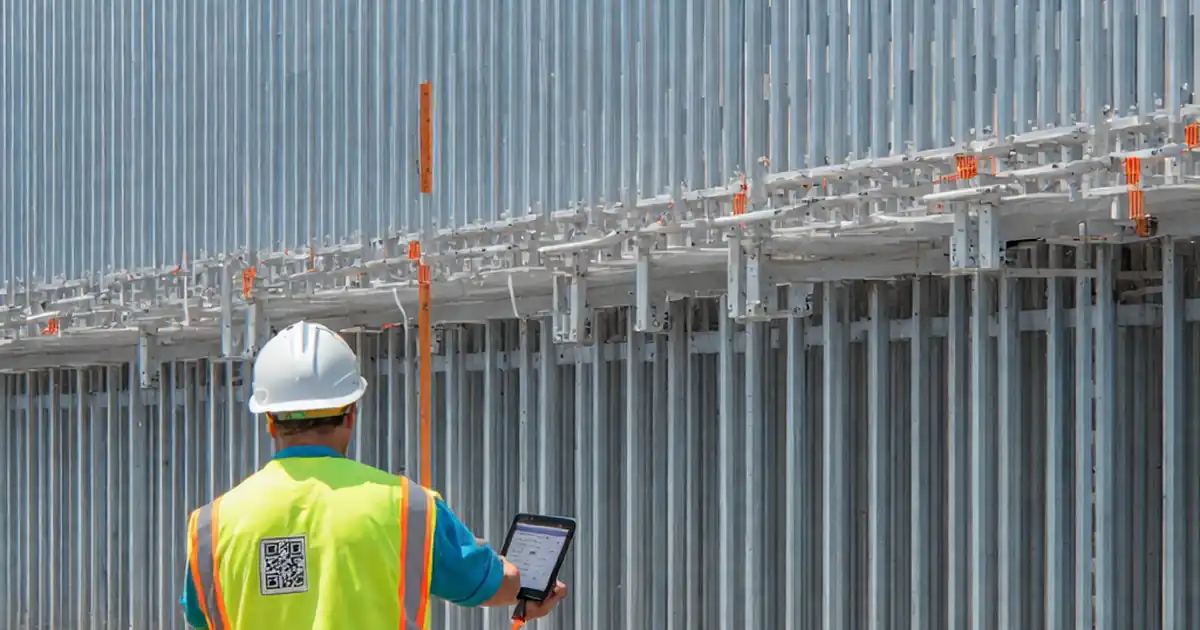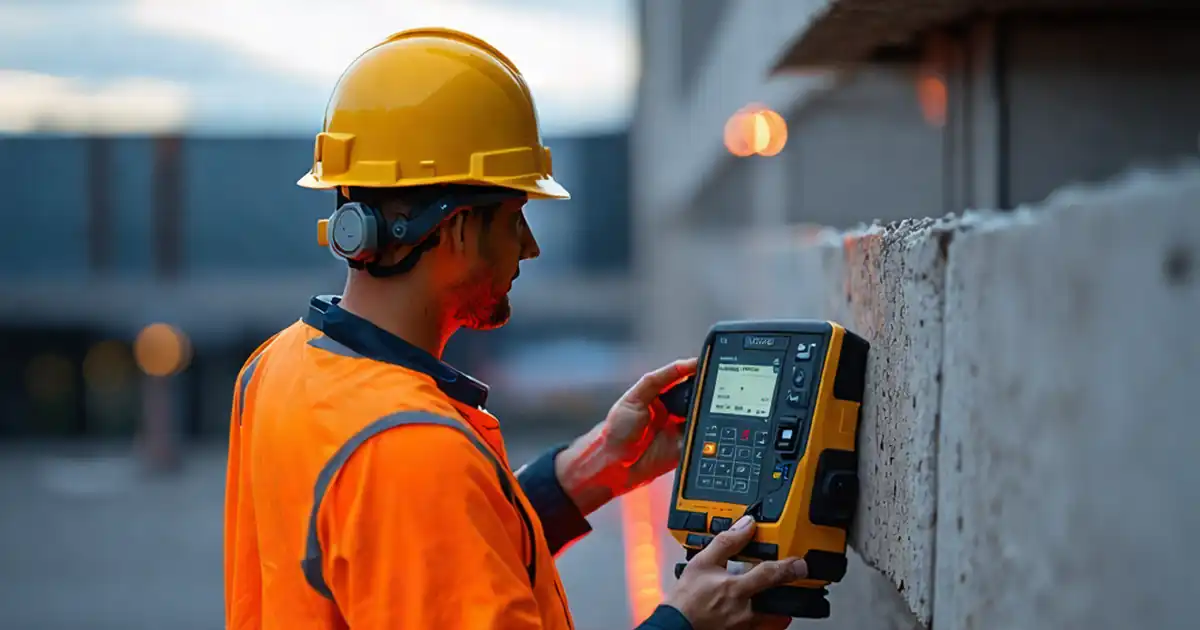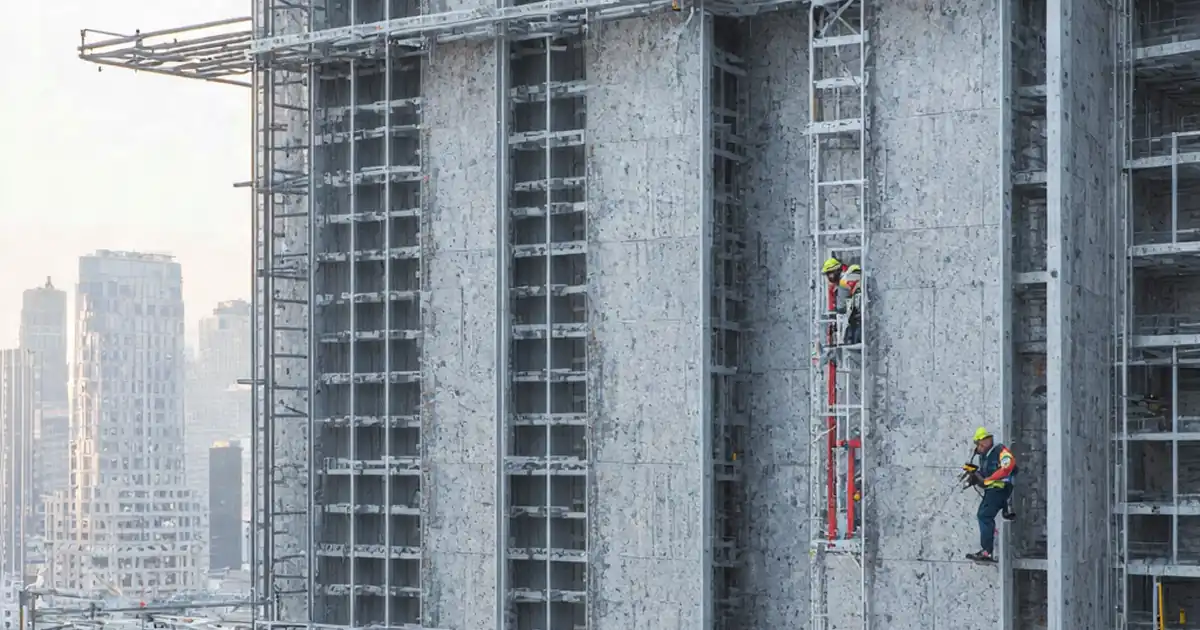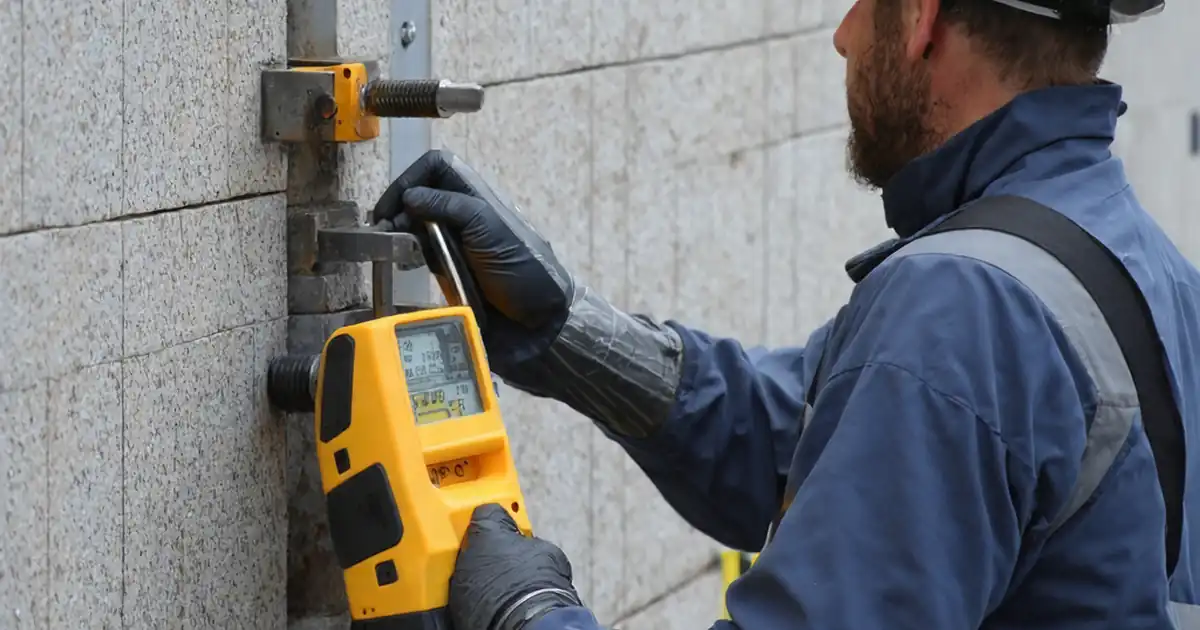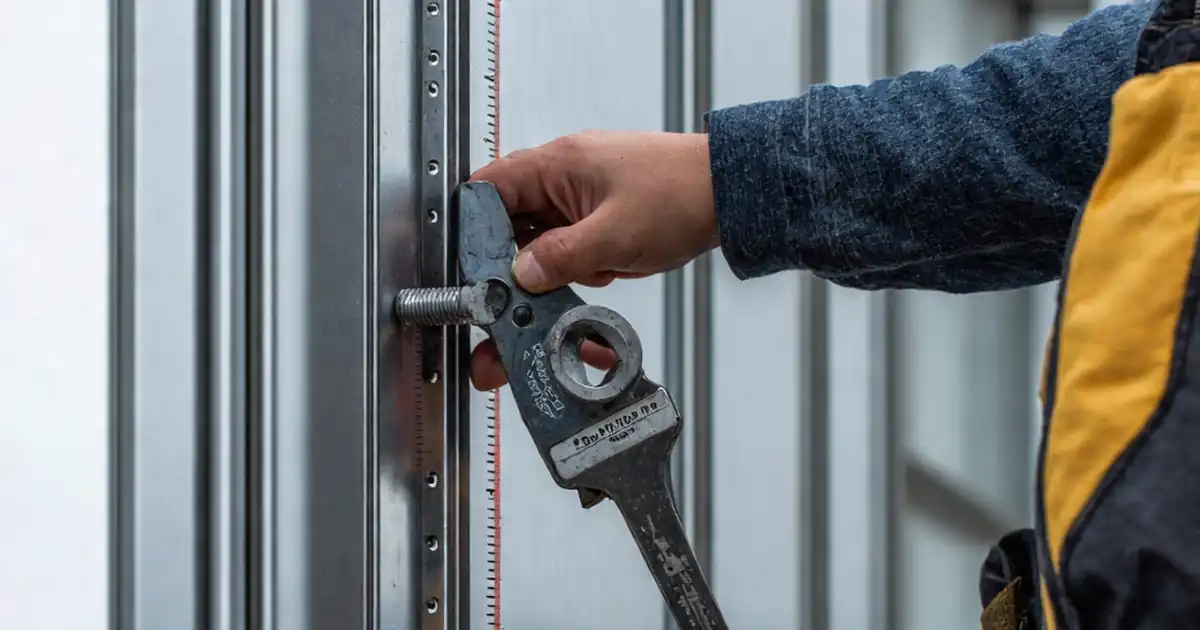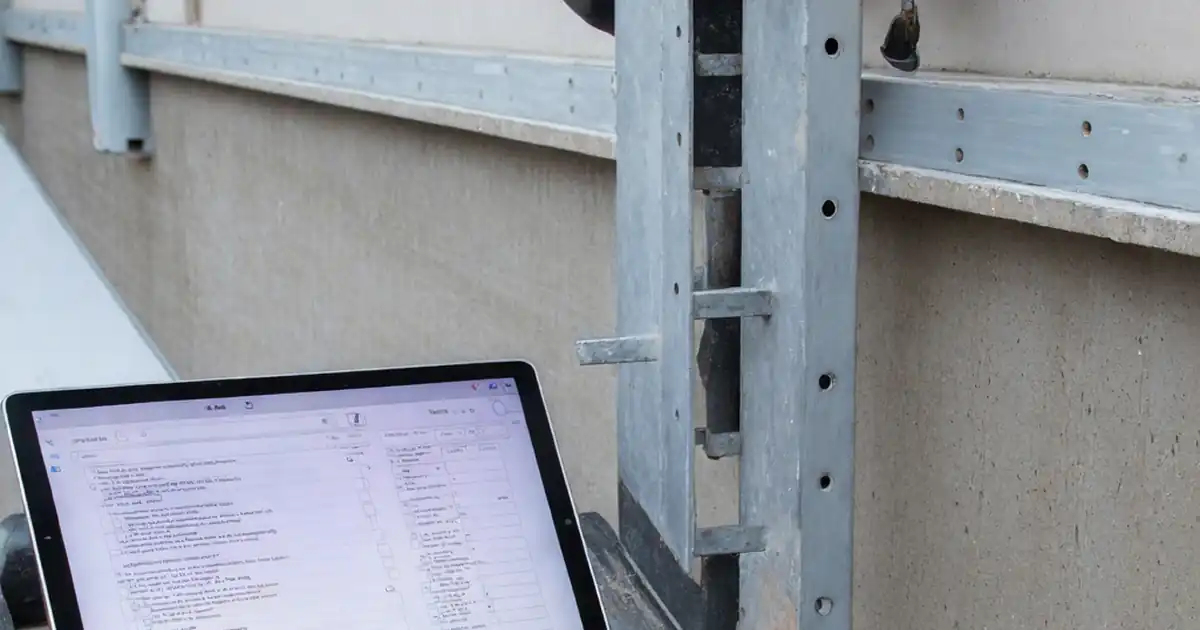
Inspect aluminum composite panel support rails and brackets to guide site inspectors, façade supervisors, and QA engineers through safe, compliant, and evidence-based subframe verification before panel installation.
- Verify bracket layout, rail plumb, and anchor capacity before cladding.
- Prevent misalignment, corrosion risks, and moisture traps affecting façade life.
- Follow tools-and-tolerances steps with photos, readings, and approvals.
- Interactive, commentable checklist with export and QR code verification.
The checklist
Pre-Installation Verification
- Confirm the latest approved subframe information is available on site.
- Verify approved shop drawings, bracket schedules, and method statements match site conditions; acceptance: latest revision stamped approved; evidence: photo of approval stamp and revision index.
- Survey substrate with laser level; acceptance: as-built tolerances recorded and any deviation has a mitigation plan; evidence: level readings and marked elevation sketch.
- Inspect delivered rails, brackets, anchors, and isolators; acceptance: materials match specifications and manufacturer; evidence: delivery notes, batch numbers, and product datasheets photographed.
- Check finishes and protection: no deep scratches, burrs, or coating damage; acceptance: intact finish, no bare metal; evidence: close-up photos and damage log if any.
- Confirm calibrated tools available (torque wrench, pull tester, laser); acceptance: valid calibration within 6 months; evidence: certificates uploaded to checklist.
Setting Out and Bracket Installation
- Transfer grid and face line with total station/laser; acceptance: datum within ±3 mm across elevation; evidence: screenshots/prints and site photos.
- Mark bracket positions per layout; acceptance: spacing within ±10 mm and aligned to grid; evidence: tape measure photo and marked substrate.
- Confirm specified stand-off range achievable; acceptance: bracket adjustment falls within manufacturer limits; evidence: measurement photo and note of required shims.
- Install isolation/thermal break pads behind brackets where required; acceptance: full contact, correct thickness and material; evidence: close-up photos and product label.
- Drill anchor holes to specified diameter/depth with dust removal (blow–brush–blow); acceptance: depth +0/−5 mm; evidence: depth gauge photo and cleaned hole.
- Install mechanical/chemical anchors per manufacturer; adhere to curing times; acceptance: torque to specified N·m, no spin; evidence: torque log and batch/expiry for resin.
- Conduct sample pull-out tests (per lot/elevation) before proceeding; acceptance: meets/exceeds manufacturer/engineer minimum capacity; evidence: test gauge readings with location tags.
Rails Alignment and Fixings
- Mount vertical rails onto brackets with compatible fixings; acceptance: correct screw/bolt type, washers fitted, threads fully engaged; evidence: close-up photos.
- Plumb and straighten rails using 2 m level/laser; acceptance: verticality ±2 mm per 2 m, line offset ≤3 mm; evidence: level photos and laser report.
- Set rail face to design line; acceptance: face position within ±5 mm of design; evidence: calibrated gauge or laser reading with reference.
- Provide expansion gaps at rail splices; acceptance: 6–10 mm or per manufacturer; evidence: feeler gauge/tape photo at splice.
- Install splice/connectors with correct edge distances; acceptance: per manufacturer hole/edge spacing, no burrs; evidence: measurement photo and connector label.
- Set and mark bracket locking screws/bolts after final alignment; acceptance: torque verified, paint-marked for movement detection; evidence: torque record and paint marks.
Thermal, Isolation and Corrosion Control
- Separate dissimilar metals (aluminum–steel) with isolators/tapes; acceptance: no metal-to-metal contact; evidence: detail close-ups.
- Maintain ventilated cavity and drainage paths; acceptance: unobstructed ≥20 mm behind rails; evidence: ruler photo along cavity.
- Coordinate fire barrier interfaces; acceptance: rails free to move with 10–15 mm allowance, no obstruction; evidence: photo with dimension and reference detail.
Structural Testing and Records
- Tag brackets/rails with location IDs; acceptance: IDs match grid/elevation drawings; evidence: marked elevation and register.
- Capture as-built rail coordinates/face line; acceptance: within ±5 mm of design; evidence: total station/laser exports attached.
- Compile batch numbers, certificates, and calibration docs; acceptance: documents complete and legible; evidence: uploaded PDFs/photos.
Final Review and Handover
- Verify earthing/bonding of metal subframe if specified; acceptance: continuity <1 Ω where required; evidence: multimeter reading and approval note.
- Remove temporary films/tapes that could trap moisture/heat; acceptance: rails clean, no residues; evidence: photos and waste record.
- Issue QA sign-off confirming readiness for panel installation per approved project specifications and authority requirements; acceptance: digital signatures completed; evidence: signed checklist.
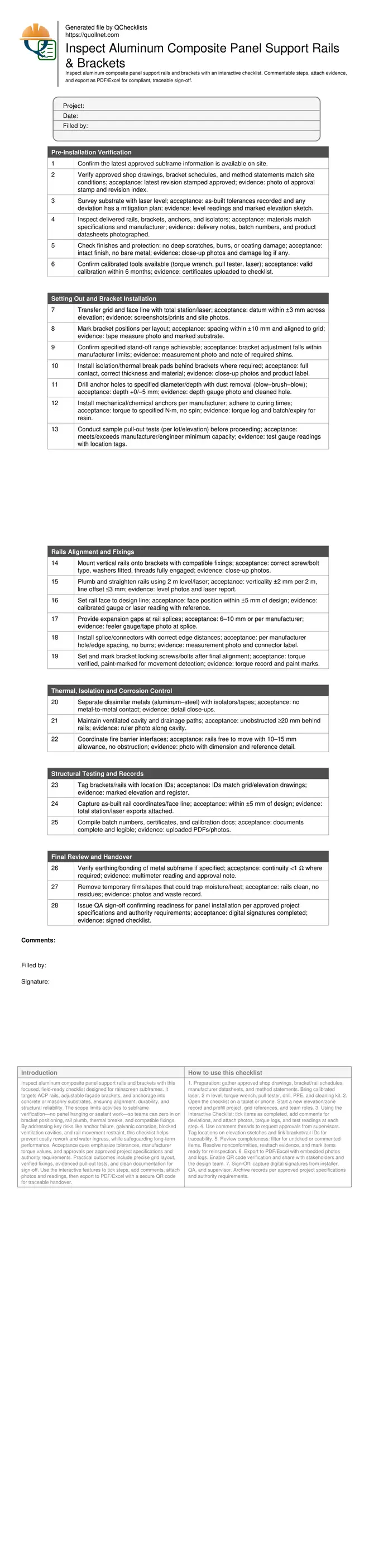
Preview the printable checklist
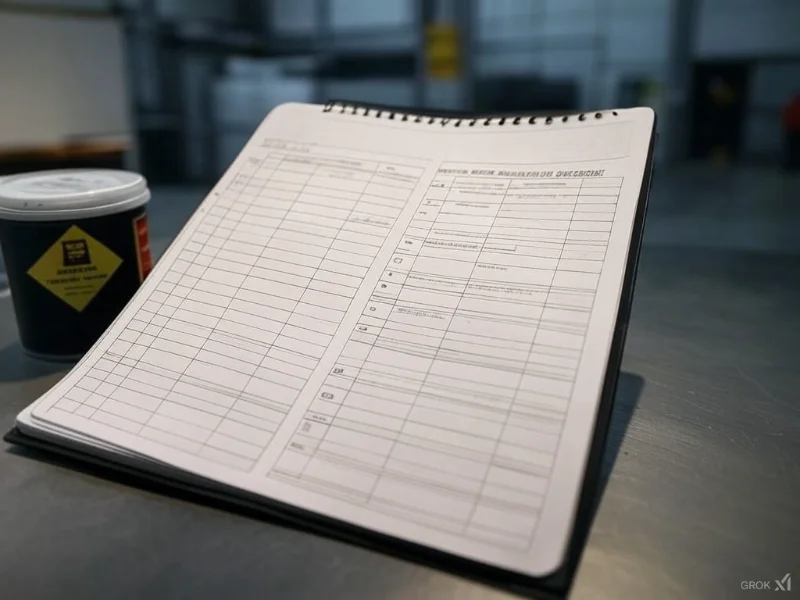
Preview page one below. Open the image or download the PDF for all pages.
At a glance
- Focuses on ACP subframe readiness: bracket layout, anchor installation, rail plumb and straightness, thermal breaks, and corrosion separation. Teams capture torque, pull-out results, and photos to confirm compliance with approved project specifications and authority requirements.
- Reduces rework by locking in geometry before panels arrive. Clear tolerances, sample testing, and documented evidence ensure the façade face line matches the design, ventilation paths stay open, and rails can move freely at splices and fire barrier interfaces.
- Interactive online checklist with tick, comment, and export features secured by QR code. Supervisors attach calibration certificates, batch numbers, as-built surveys, and torque logs, creating a single source of truth for closeout, audits, and future maintenance access.
- Designed for jobsite practicality: concise instructions, tool callouts, SI tolerances, and acceptance cues. The workflow scales across elevations and zones, keeping traceability of grid references, bracket IDs, and sign-offs for a robust, defensible QA record.
How to Use This Interactive Rail & Bracket Inspection Checklist
- Preparation: gather approved shop drawings, bracket/rail schedules, manufacturer datasheets, and method statements. Bring calibrated laser, 2 m level, torque wrench, pull tester, drill, PPE, and cleaning kit.
- Open the checklist on a tablet or phone. Start a new elevation/zone record and prefill project, grid references, and team roles.
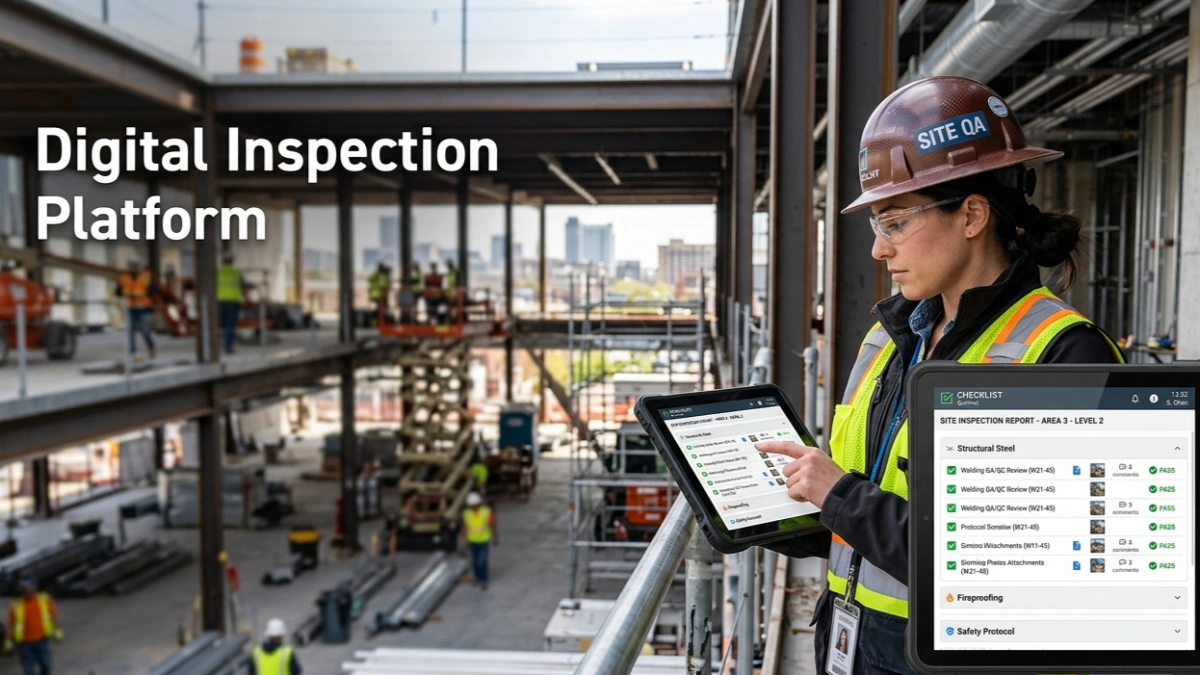
- Using the Interactive Checklist: tick items as completed, add comments for deviations, and attach photos, torque logs, and test readings at each step.
- Use comment threads to request approvals from supervisors. Tag locations on elevation sketches and link bracket/rail IDs for traceability.
- Review completeness: filter for unticked or commented items. Resolve nonconformities, reattach evidence, and mark items ready for reinspection.
- Export to PDF/Excel with embedded photos and logs. Enable QR code verification and share with stakeholders and the design team.
- Sign-Off: capture digital signatures from installer, QA, and supervisor. Archive records per approved project specifications and authority requirements.
Why precise rails and brackets installation matters
ACP subframes are the backbone of a rainscreen façade. Even small deviations in bracket layout or rail plumb can telegraph as uneven panel joints, oil canning, and water tracking behind cladding. Anchors that are under-torqued, installed in dusty holes, or missing isolation pads can reduce load capacity and accelerate corrosion. This checklist concentrates on those early, high-impact tasks: verifying the grid and face line, confirming stand-offs, and proving anchor performance. It also emphasizes thermal breaks and movement allowances at splices and fire barriers so rails don’t bind as temperatures change. Acceptance cues are kept practical—millimetre tolerances, visible paint marks on torqued bolts, and time-stamped photos. By capturing anchor pull-out readings, torque logs, and as-built coordinates, teams create a defensible quality record while avoiding rework and schedule creep.
- Small alignment errors amplify at panel joints.
- Clean, measured anchor installation preserves capacity.
- Thermal breaks limit bridging and condensation.
- Movement gaps prevent binding and noise.
- Photos and logs prove compliance.
Efficient field methods and tolerances
Start with a reliable datum transferred by laser or total station and confirm it with a second check. Mark bracket centres to the approved layout, then verify that the stand-off falls within the bracket’s adjustment window before drilling. Use the blow–brush–blow cycle for concrete dust removal so anchors seat correctly. Torque fasteners to the manufacturer’s values and paint-mark heads to detect post-inspection movement. Plumb rails using a 2 m level and validate with a laser for longer drops. Keep splice gaps consistent, and protect dissimilar metals with isolators or tapes. Maintain a continuous ventilated cavity to keep the rainscreen performing. Where fire barriers intersect, ensure compression seals do not clamp rails and that design movement is preserved. Document everything as you go to avoid backtracking.
- Confirm datums twice before committing holes.
- Always clean holes before anchor placement.
- Record torque values with tool ID.
- Keep rails within ±2 mm per 2 m.
- Photograph every splice and bracket.
Documentation and closeout that stands up to audits
Traceability is central to façade QA. Link each bracket and rail to its grid reference, anchor batch, torque reading, and any pull-out test. Store calibration certificates for torque wrenches and pull testers with the inspection record. Capture as-built coordinates to verify the façade face line before panels arrive—this is the cheapest moment to correct geometry. Ensure all nonconformities have clear corrective actions and reinspection evidence. If earthing or bonding is specified for the metal subframe, record continuity readings and approvals. At handover, export the full pack to PDF/Excel with a secure QR code so stakeholders can authenticate the dataset later. This disciplined approach reduces disputes and speeds panel installation.
- Link IDs, batches, and readings.
- Attach calibration certificates.
- Record as-built face line early.
- Close NCRs with evidence.
- Export with QR authentication.