Quollnet Labs
QConvert
Free Image Converter - Convert PNG, JPG, JPEG, WEBP, GIF, and BMP Online
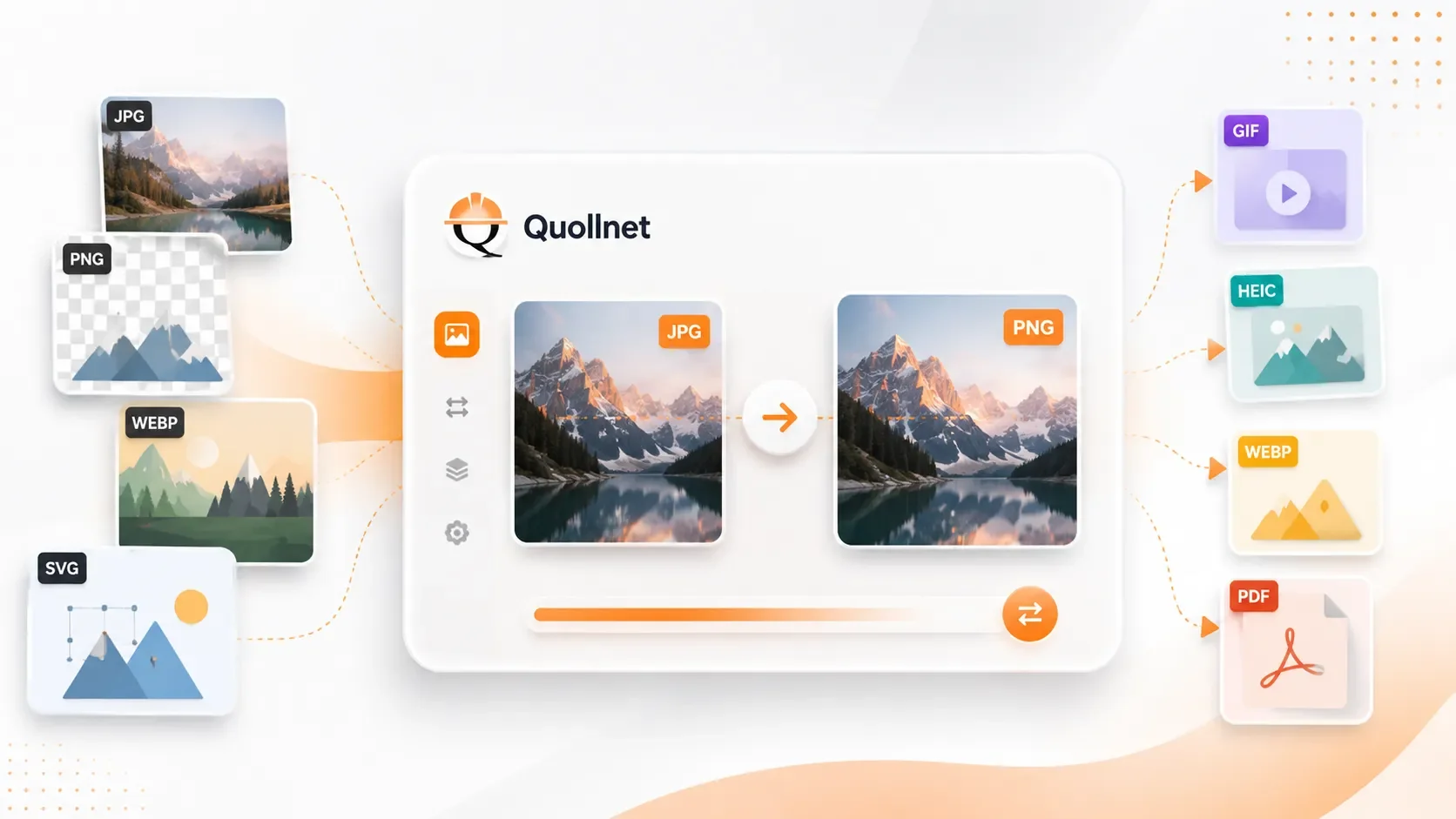
A free, front-end image converter that lets you convert images directly in your browser with no ads, no registration, and no uploads to a server. Drag and drop images, choose the o…
- 5Active users
- 16Built-in capabilities
- openSign-up
- LabsQuollnet listing
What QConvert helps you do
Practical features designed for users, clients, and specialised digital workflows.
-
01
Free to Use
Convert images at no cost with no hidden limits for normal use.
-
02
No Registration
Start converting immediately without creating an account or signing in.
-
03
No Ads
Use the app without banners, popups, or distracting advertising.
-
04
Front-End Only Processing
Images are processed in your browser, helping keep your files private.
-
05
Drag and Drop Upload
Add images quickly by dragging and dropping them into the upload area.
-
06
Multiple Format Support
Convert between PNG, JPG, JPEG, WEBP, GIF, and BMP.
-
07
Batch Conversion
Upload multiple images and convert them all in one session.
-
08
Convert All
Convert all queued images at once instead of handling them one by one.
-
09
Download Individual Files
Download each converted image separately when needed.
-
10
Download All as ZIP
Get all converted images in a single ZIP file for faster downloading.
-
11
Quality Control
Adjust image quality to reduce file size or preserve more visual detail.
-
12
Custom Resize
Resize images by entering your preferred width and height.
-
13
Larger or Smaller Output
Scale images up or down depending on your needs.
-
14
Maintain Aspect Ratio
Keep original proportions automatically while resizing.
-
15
Flexible Resizing
Turn off aspect ratio lock if you want custom width and height values.
-
16
Simple Interface
Use a clean and straightforward layout designed for fast conversions.
See QConvert in action
Real screens, straight from the app. Tap any shot to view it full size.
About QConvert
Built by Quollnet
A free, front-end image converter that lets you convert images directly in your browser with no ads, no registration, and no uploads to a server. Drag and drop images, choose the output format, adjust quality, resize to larger or smaller dimensions, keep aspect ratio or change it, then convert one image or all images at once. You can download files individually or download all converted images as a ZIP.
Frequently asked questions
Ready to try QConvert?
Free Image Converter - Convert PNG, JPG, JPEG, WEBP, GIF, and BMP Online
