G
Guest

quality assurance · 18 checks

Security System Functional Testing and Acceptance

Security system functional testing and acceptance is a crucial phase in the deployment of any security infrastructure. This process involves verifying that all components of the security system are working as intended, including alarms, surveillance equipment, and access controls. The checklist is designed to ensure that each element meets predefined standards and specifications. Proper functional testing and acceptance help mitigate risks of system failure, ensuring security protocols are robust and reliable. With our interactive checklist, users can tick off each task, add comments, and export the completed report as a PDF or Excel file, complete with a QR code for authenticity.

Security System Functional Testing & Acceptance Checklist

The checklist

Pre-Test Preparation

  1. Verify all equipment is installed and powered on; check for any physical damage.
  2. Ensure technical documentation and system manuals are available for reference.
  3. Confirm that all necessary software updates and patches have been applied.

Alarm System Testing

  1. Trigger each alarm sensor and verify proper signal is sent to the monitoring station.
  2. Check alarm response time and ensure it adheres to the specified standard.
  3. Test alarm reset functionality and confirm it returns to standby mode.

Surveillance System Testing

  1. Verify all cameras are operational and positioned correctly.
  2. Check video feed quality and storage capabilities.
  3. Test remote access to camera feeds and verify secure login.

Access Control System Testing

  1. Test all access points for proper locking and unlocking mechanisms.
  2. Verify that access logs are accurately recorded and retrievable.
  3. Ensure backup power systems engage correctly during a power outage.

System Integration Testing

  1. Conduct a full system test to ensure seamless interaction between components.
  2. Check for any software interoperability issues and resolve them.
  3. Ensure data from all systems is synchronized and correctly reported.

Final Acceptance

  1. Conduct a final walkthrough with stakeholders to demonstrate system functionality.
  2. Document any remaining issues and create an action plan for resolution.
  3. Obtain formal sign-off from all relevant parties to confirm system acceptance.

Preview the printable checklist

Preview page one below. Open the image or download the PDF for all pages.
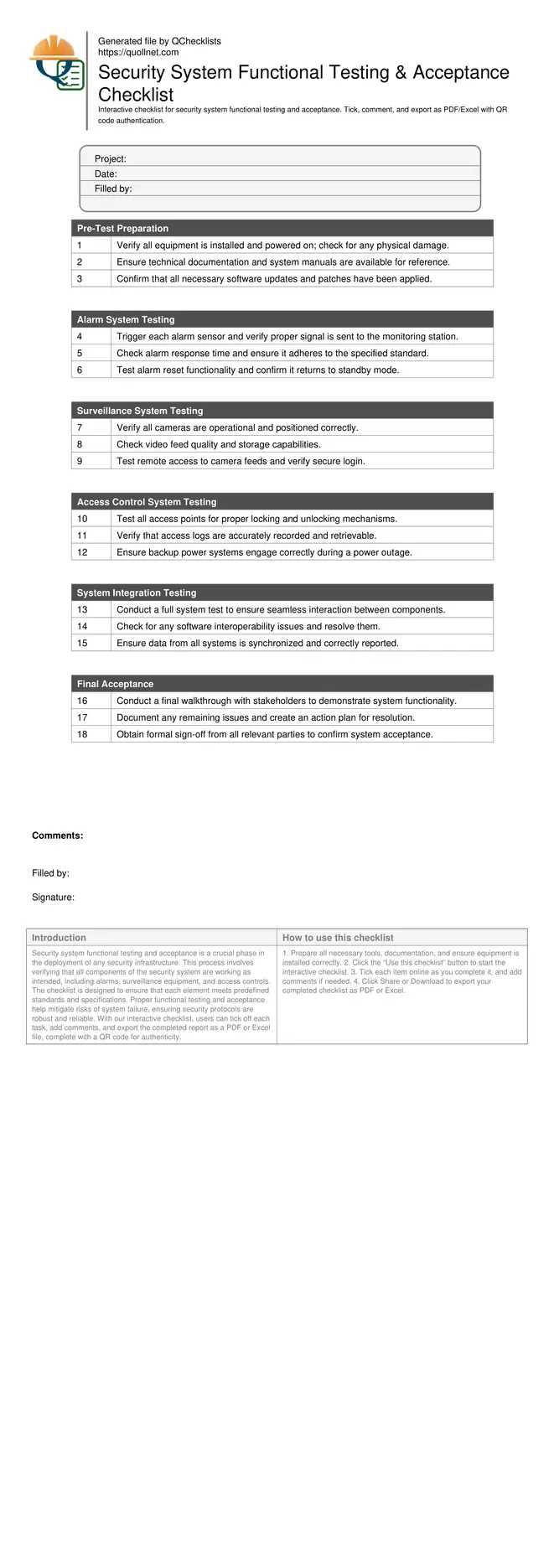
First-page preview of the Security System Functional Testing and Acceptance printable checklist template.
Security System Functional Testing and Acceptance · Page 1 preview · Open image with all pages

At a glance

  • Ensure all security components function correctly and meet specifications.
  • Identify and mitigate risks associated with system failures.
  • Interactive online checklist with tick, comment, and export features secured by QR code.
  • Facilitate comprehensive documentation and stakeholder communication.

How to Use the Security System Testing Checklist

  1. Prepare all necessary tools, documentation, and ensure equipment is installed correctly.
  2. Click the “Use this checklist” button to start the interactive checklist.
  3. Tick each item online as you complete it, and add comments if needed.
  4. Click Share or Download to export your completed checklist as PDF or Excel.

Importance of Functional Testing

Functional testing of security systems is essential to ensure that each component operates as expected under real-world conditions. This step is critical in identifying any issues that could compromise the system's integrity or reliability. By conducting thorough testing, organizations can prevent costly security breaches and ensure compliance with industry standards.

  • Verify operational status of all security components.
  • Ensure compliance with industry standards and regulations.
  • Identify potential vulnerabilities before system deployment.

Steps for Effective Testing

Effective security system testing requires a structured approach. Begin with pre-test preparations, ensuring all equipment is ready and documentation is available. Conduct individual component tests followed by system integration checks. Finally, perform a comprehensive acceptance test with stakeholders.

  • Prepare equipment and documentation before testing.
  • Test individual components and system integration.
  • Engage stakeholders in the final acceptance process.

Javier Rama's photo
SeismoJavi
29265
3357
31
57

Frequently asked questions

How do I verify alarm signal transmission?

Trigger each alarm sensor and monitor the signal at the control panel or monitoring station to ensure proper transmission. If issues arise, check connections and sensor functionality.

What should I do if a camera feed is unclear?

Inspect the camera lens for obstructions or dirt, ensure proper focus, and check the connection cables. Adjust the camera position if needed for optimal coverage.

How can I test access control during a power failure?

Simulate a power outage to test the backup power system. Ensure backup systems maintain power to access controls and monitor their performance during the test.

What is the purpose of system integration testing?

System integration testing ensures all components work together seamlessly. It identifies interoperability issues between different systems, ensuring data consistency and operational efficiency.

Why is stakeholder involvement important in final acceptance?

Engaging stakeholders in the final acceptance ensures all parties understand the system's capabilities and limitations. Their input helps confirm the system meets all operational requirements.

Related Articles

Broader reading and guidance connected to this checklist topic.

Free Safety Functionality Checklist For Tools And Equipment – Download In Excel, Word, Pdf, And Image Formats
F
en
Free Safety Functionality Checklist For Tools And Equipment – Download In Excel, Word, Pdf, And Image Formats
EN
Free Safety Functionality Checklist For Tools And Equipment – Download In Excel, Word, Pdf, And Image Formats

Ensure workplace safety with our comprehensive Safety Functionality of Tools and Equipment Checklist. Download for free in Excel, Word, PDF, and image...

Article 2026-06-14
How Is 3d Printed Concrete Tested? Strength, Interlayer Bond & Acceptance
H
en
How Is 3d Printed Concrete Tested? Strength, Interlayer Bond & Acceptance
EN
How Is 3d Printed Concrete Tested? Strength, Interlayer Bond & Acceptance

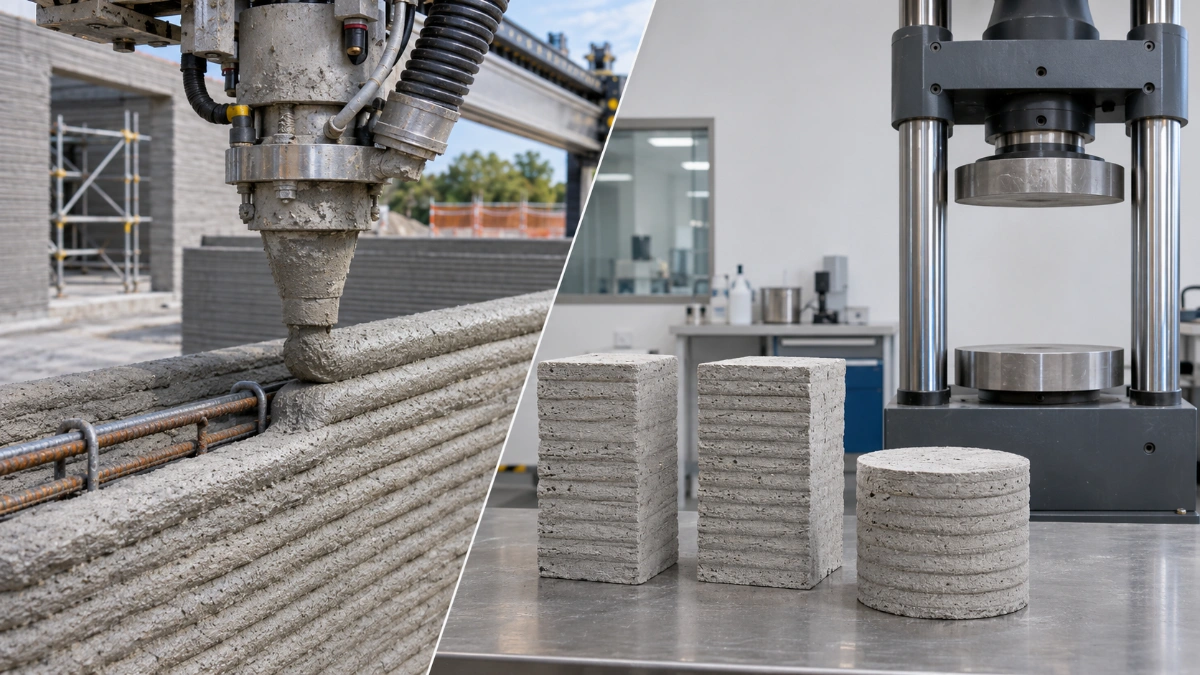
How engineers test 3D printed concrete: printable mix qualification, representative specimens, compressive strength, interlayer bond, test orientation...

Article 2026-11-07
How To Use Qchecklists: Create Templates, Run Inspections, Add Evidence, Collaborate, And Export Reports
H
en
How To Use Qchecklists: Create Templates, Run Inspections, Add Evidence, Collaborate, And Export Reports
EN
How To Use Qchecklists: Create Templates, Run Inspections, Add Evidence, Collaborate, And Export Reports

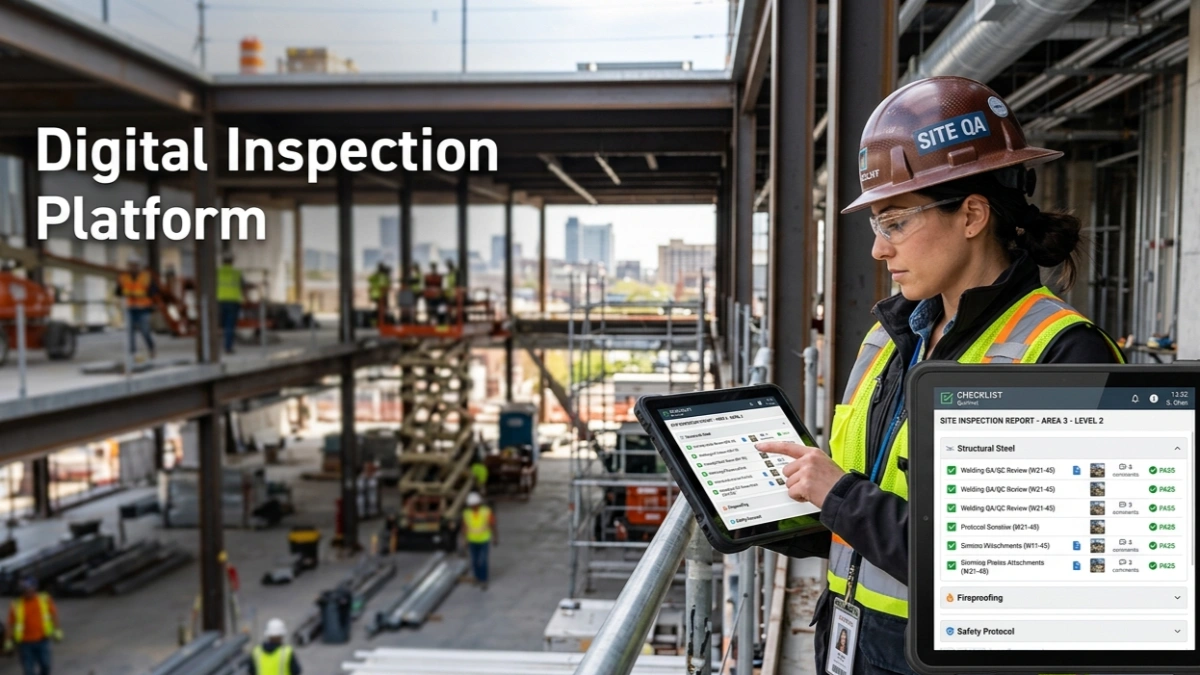
Learn how to use QChecklists to create checklist templates, launch live checklist runs, add comments and attachments, collaborate with team members, o...

Article 2026-03-13
3d Printed Concrete Qa/qc: Inspection, Process Control & Acceptance
3
en
3d Printed Concrete Qa/qc: Inspection, Process Control & Acceptance
EN
3d Printed Concrete Qa/qc: Inspection, Process Control & Acceptance

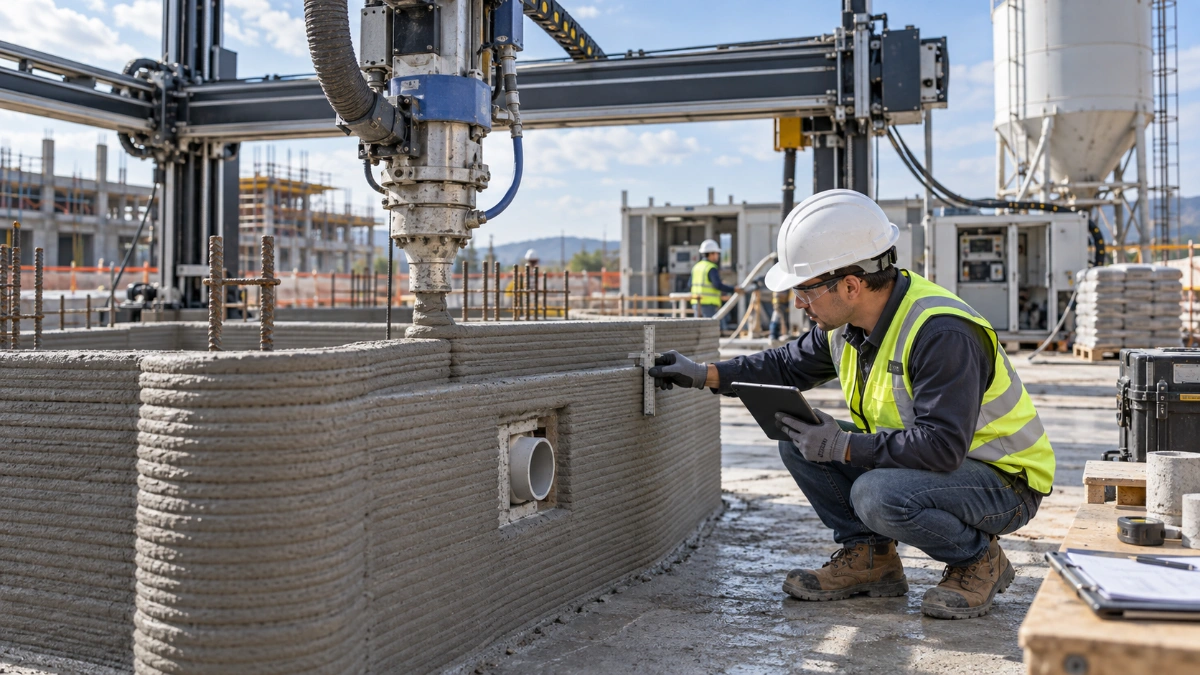
Practical QA/QC guide for 3D printed concrete walls: qualification, pre-print checks, live process control, interruptions, testing, defects and accept...

Article 2026-10-01
How To Use Qarticles: Complete Guide To Writing And Publishing Seo-optimized Articles
H
en
How To Use Qarticles: Complete Guide To Writing And Publishing Seo-optimized Articles
EN
How To Use Qarticles: Complete Guide To Writing And Publishing Seo-optimized Articles

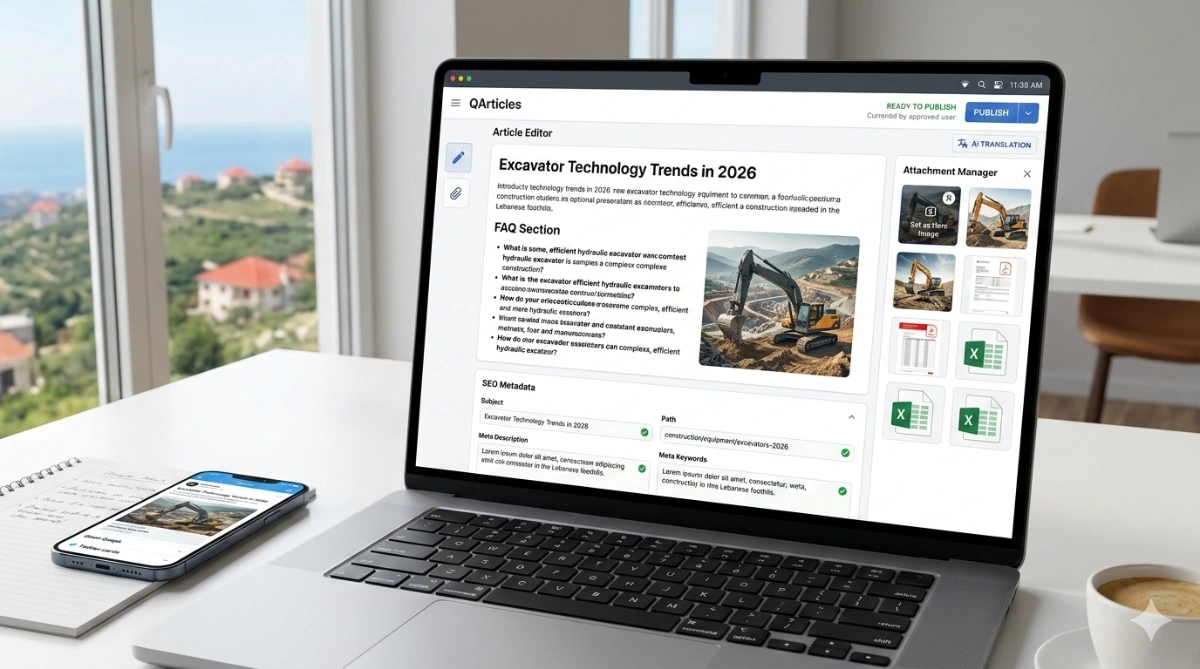
QArticles by Quollnet is a WYSIWYG article publishing tool that automatically generates SEO metadata, JSON-LD schema, Open Graph tags, and Twitter car...

Article 2026-03-05

Related Checklists

Keep the workflow moving with nearby templates chosen from similar checklist content.

Security System Rough-In Inspection Checklist image
S
construction
Security System Rough-In Inspection Checklist
Construction
Security System Rough-In Inspection Checklist

Inspecting the security system rough-in is a critical phase in the installation process where the foundational elements are set before the final fixtu...

Keying and Access Control System Inspection Checklist image
K
maintenance
Keying and Access Control System Inspection Checklist
Maintenance
Keying and Access Control System Inspection Checklist

Inspecting keying and access control system programming is an essential task for ensuring the security and efficiency of a facility's entry system. Th...

BMS Integration Inspection Checklist for HVAC, Lighting, and Security image
B
maintenance
BMS Integration Inspection Checklist for HVAC, Lighting, and Security
Maintenance
BMS Integration Inspection Checklist for HVAC, Lighting, and Security

Building Management System (BMS) integration is crucial for optimizing the functionality and efficiency of HVAC, lighting, and security systems in mod...

Hero image for Electrical Conduit and Box Rough-In Inspection Checklist image
E
construction
Electrical Conduit and Box Rough-In Inspection Checklist
Construction
Electrical Conduit and Box Rough-In Inspection Checklist

The electrical conduit and box rough-in inspection is a critical step in ensuring the safe and efficient installation of electrical systems before the...

Lightning Protection System Installation Inspection image
L
safety
Lightning Protection System Installation Inspection
Safety
Lightning Protection System Installation Inspection

Inspecting the installation of a lightning protection system is crucial to ensure the safety and integrity of a building. This process involves verify...